How to Identify and Handle Dangerous Plugins to Remove Immediately in WordPress

How to Identify and Handle Dangerous Plugins to Remove Immediately in WordPress
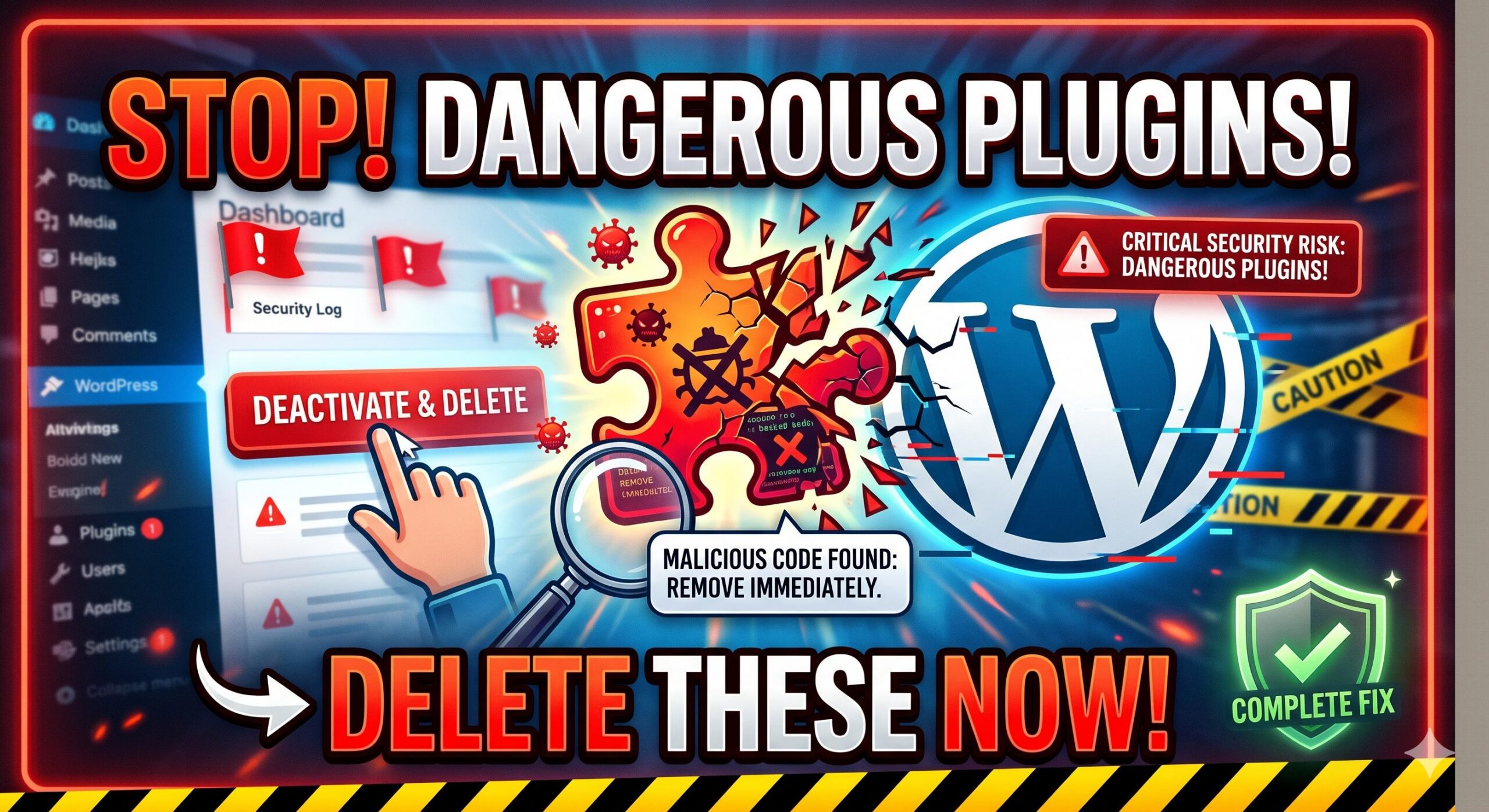
Introduction If you use a WordPress website, it could happen that your security scanner, hosting provider or Site Health dashboard suddenly tells you to remove dangerous plugins. What exactly does this mean? In short, this warning shows up when your site is using a plugin that has potentially serious security issues within it, either desupported … Read more
How to Apply a Fatal Error After Plugin Update Fix in WordPress

How to Apply a Fatal Error After Plugin Update Fix in WordPress

Introduction You hit “update” on your trusted plugins, expecting a basic security patch or maybe some glittering new feature. Your WordPress site, on the other hand, promptly crashed. You may be looking at a totally blank white screen or you may see an error message saying something like: “There has been critical error on this … Read more

How to Apply a WordPress Recovery Mode Not Working Fix: A Beginner’s Guide

How to Apply a WordPress Recovery Mode Not Working Fix_ A Beginner's Guide

Introduction Welcome to wordpressissuefix.com. WordPress Recovery Mode is a built-in safety net designed to give you dashboard access when a fatal error breaks your website. However, when you need a WordPress Recovery Mode Not Working Fix, it means this very safety net has completely failed you. You usually encounter this problem when you click the … Read more

How to Fix the WordPress Site Not Loading Error: A Beginner-Friendly Troubleshooting Guide

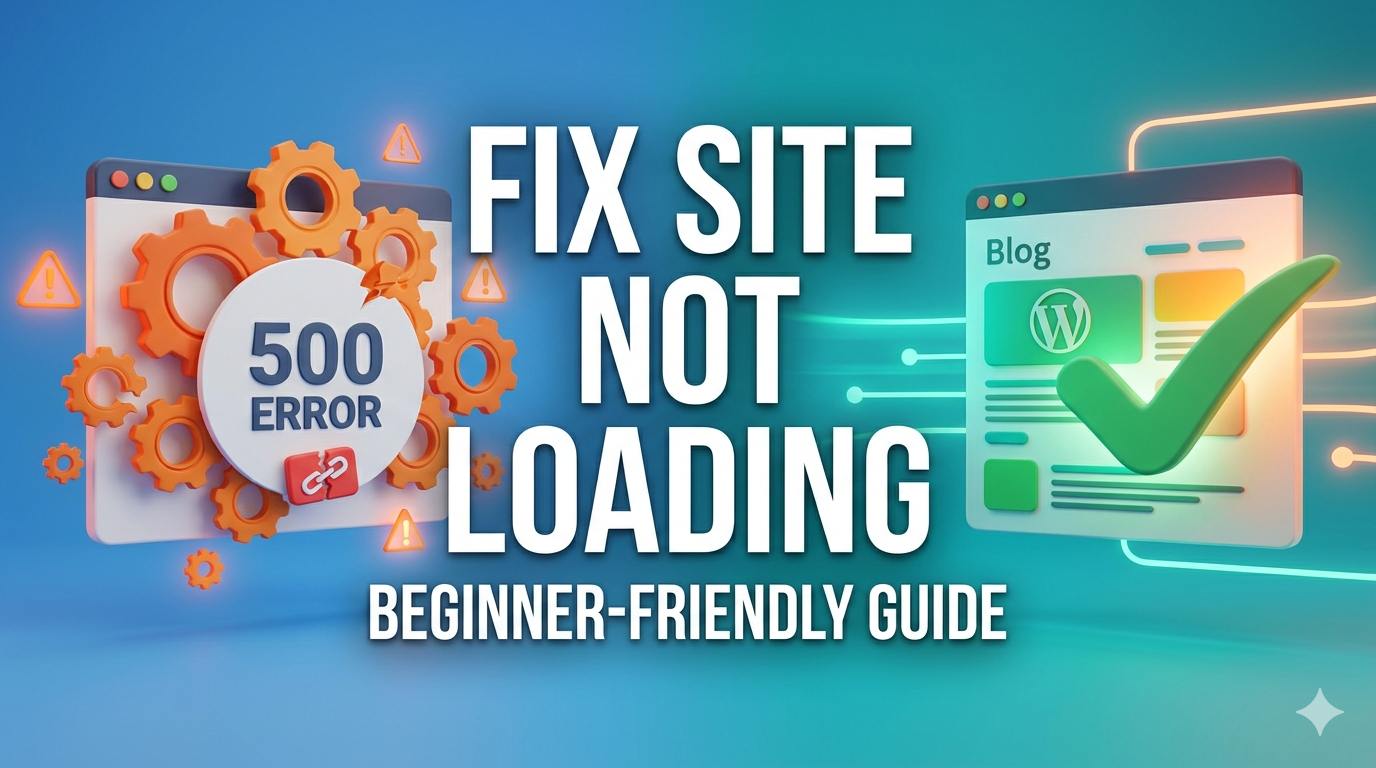
Introduction Welcome to wordpressissuefix.com. If you are currently staring at a blank screen, an endless spinning wheel, or a browser timeout message, you are likely experiencing the frustrating WordPress site not loading error. This issue simply means your website is completely inaccessible to your visitors, and in many cases, you cannot even log into your … Read more