Resolving Site Errors: The Best Way to Identify Conflicting Plugins Fast
How to Detect Hidden Malware in WordPress

Introduction Are you seeing broken layouts on your site, duplicate content or bizarre backend errors followed by a White Screen of Death? For example, if your site worked flawlessly yesterday and stopped working today then you are probably wondering what is the quickest way to check for conflicting plugins. A plugin conflict occurs when two … Read more
How to Fix AI Content Plugin Conflicts in WordPress

How to Fix AI Content Plugin Conflicts in WordPress

Introduction If your site recently broke after adding a smart writing tool, you are likely facing AI Content Plugin Conflicts in WordPress. What does this mean? It is a code clash where your new Artificial Intelligence generator interferes with existing plugins. You will usually encounter this directly inside the WordPress block editor or on the … Read more

How to Check If a WordPress Plugin Is Safe: A Complete Beginner’s Guide

How to Check If a WordPress Plugin Is Safe_ A Complete Beginner's Guide

Introduction Welcome to wordpressissuefix.com! If you are wondering how to know if a WordPress plugin is reliable or not? Said simpler: You want to run the security, quality, and reliability checks on a piece of software before installing it on your site. WordPress users are often confronted with this concern in their own dashboard when … Read more

How to Apply a WordPress Recovery Mode Not Working Fix: A Beginner’s Guide

How to Apply a WordPress Recovery Mode Not Working Fix_ A Beginner's Guide

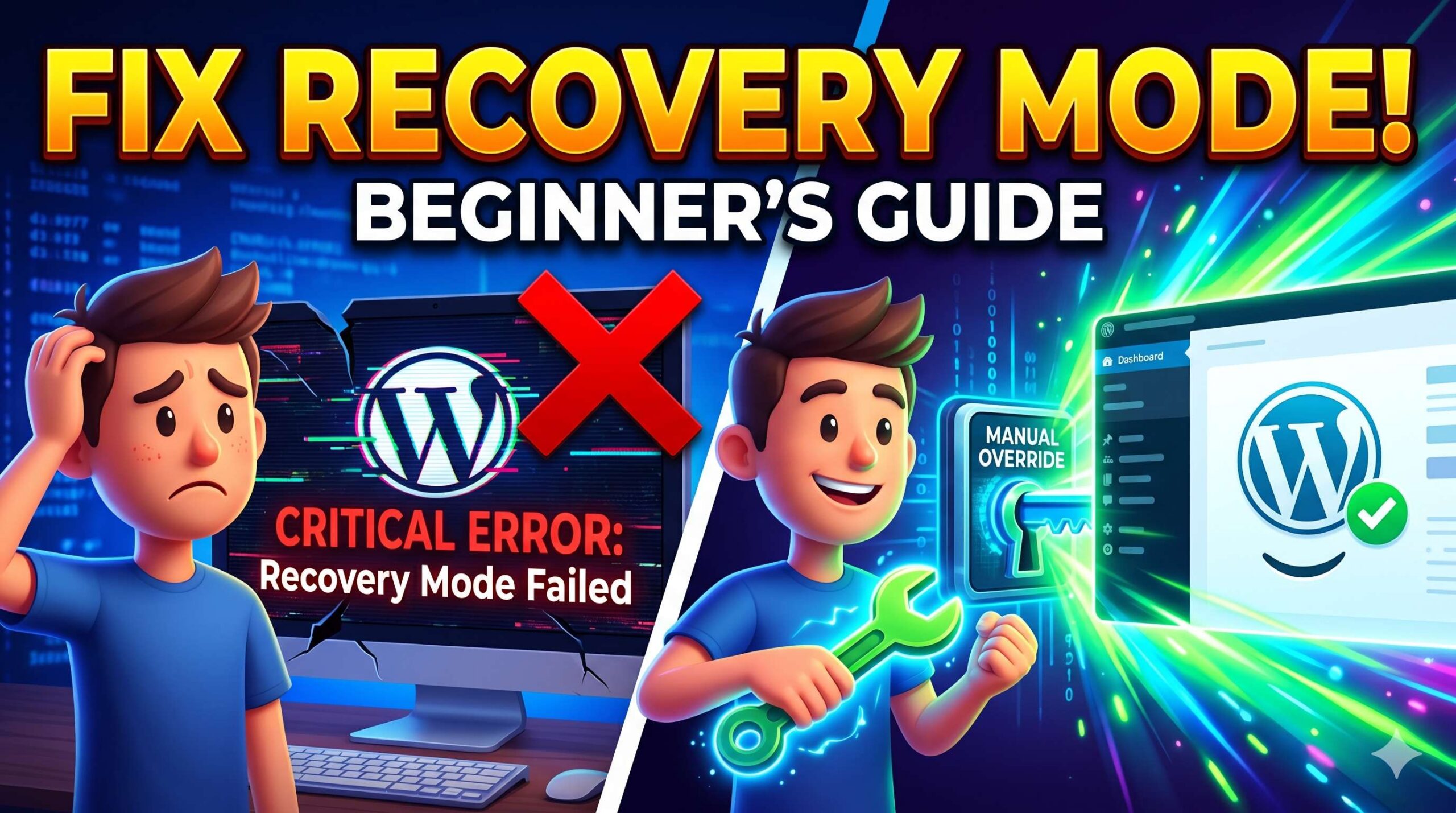
Introduction Welcome to wordpressissuefix.com. WordPress Recovery Mode is a built-in safety net designed to give you dashboard access when a fatal error breaks your website. However, when you need a WordPress Recovery Mode Not Working Fix, it means this very safety net has completely failed you. You usually encounter this problem when you click the … Read more

How to Fix the WordPress Site Not Loading Error: A Beginner-Friendly Troubleshooting Guide

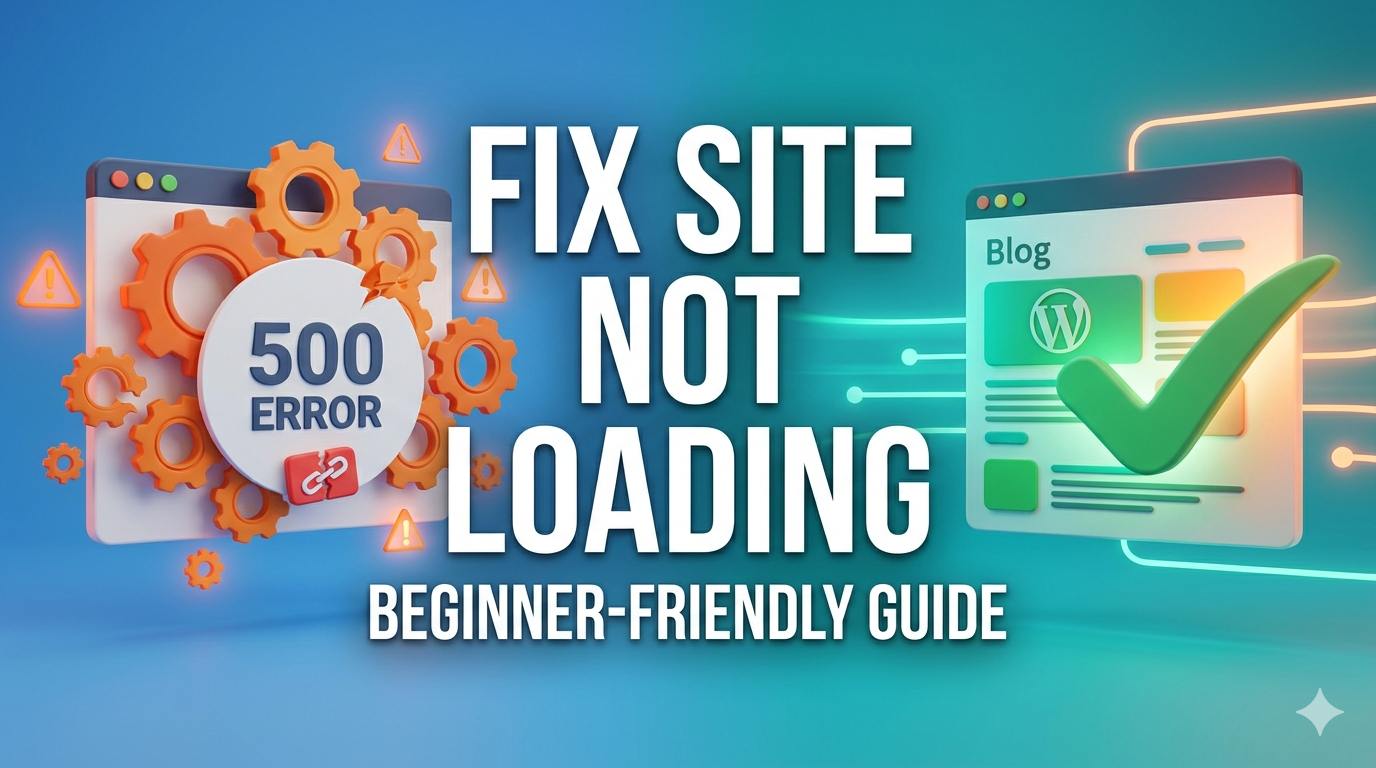
Introduction Welcome to wordpressissuefix.com. If you are currently staring at a blank screen, an endless spinning wheel, or a browser timeout message, you are likely experiencing the frustrating WordPress site not loading error. This issue simply means your website is completely inaccessible to your visitors, and in many cases, you cannot even log into your … Read more

How to Fix the Astra Demo Import Error in WordPress: Complete Guide

How to Fix the Astra Demo Import Error in WordPress_ Complete Guide

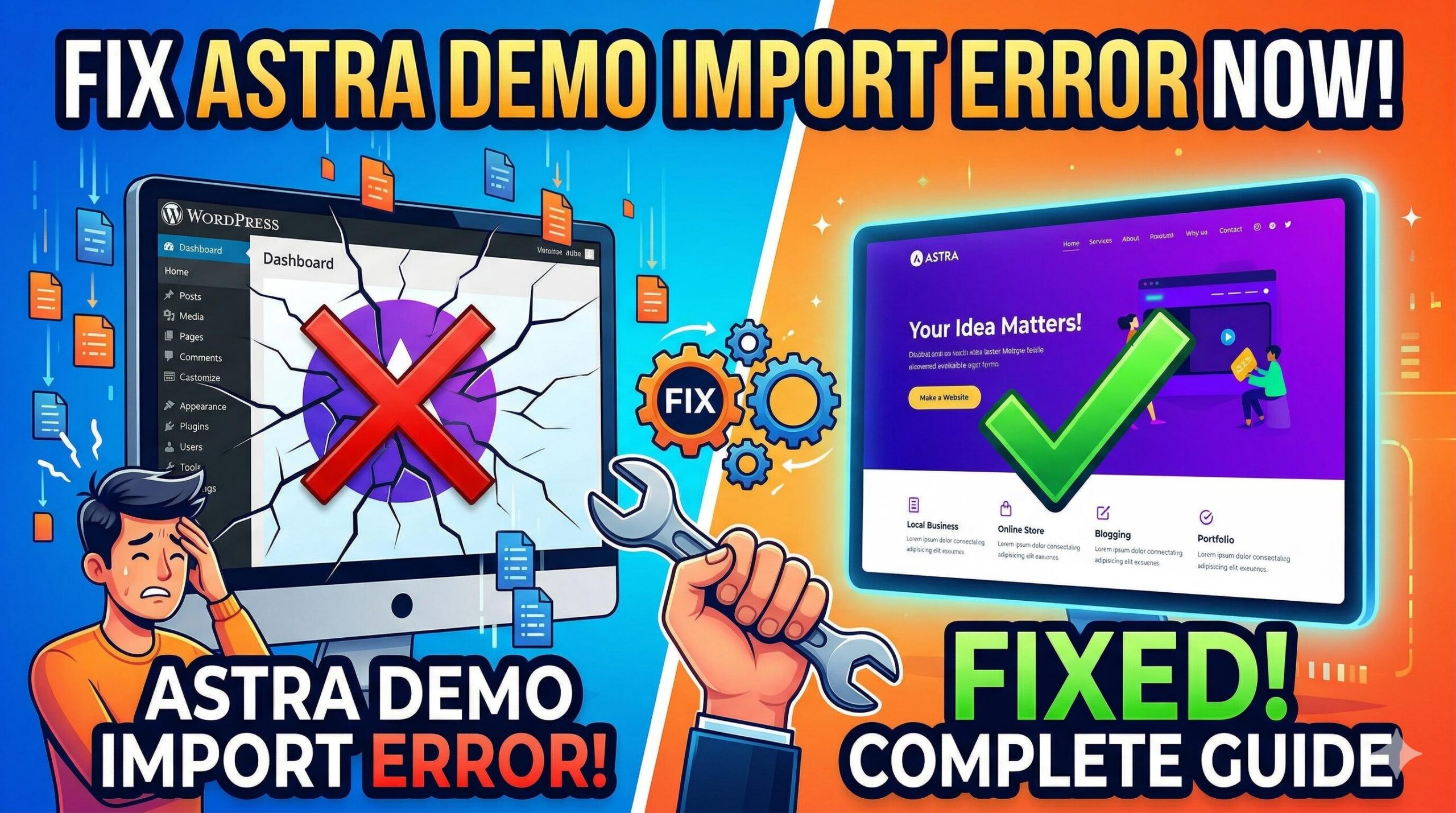
Introduction Seeing an Astra demo import error WordPress message can quickly halt your website-building excitement. What does this error mean? It is a specific technical notice indicating that your WordPress installation failed to successfully download and install the pre-designed website files (images, text, and layouts) from Astra’s cloud servers. You will encounter this error directly … Read more

How to Troubleshoot and Fix WordPress Errors Caused by a Freelance SEO Configuration

How to Troubleshoot and Fix WordPress Errors Caused by a Freelance SEO Configuration

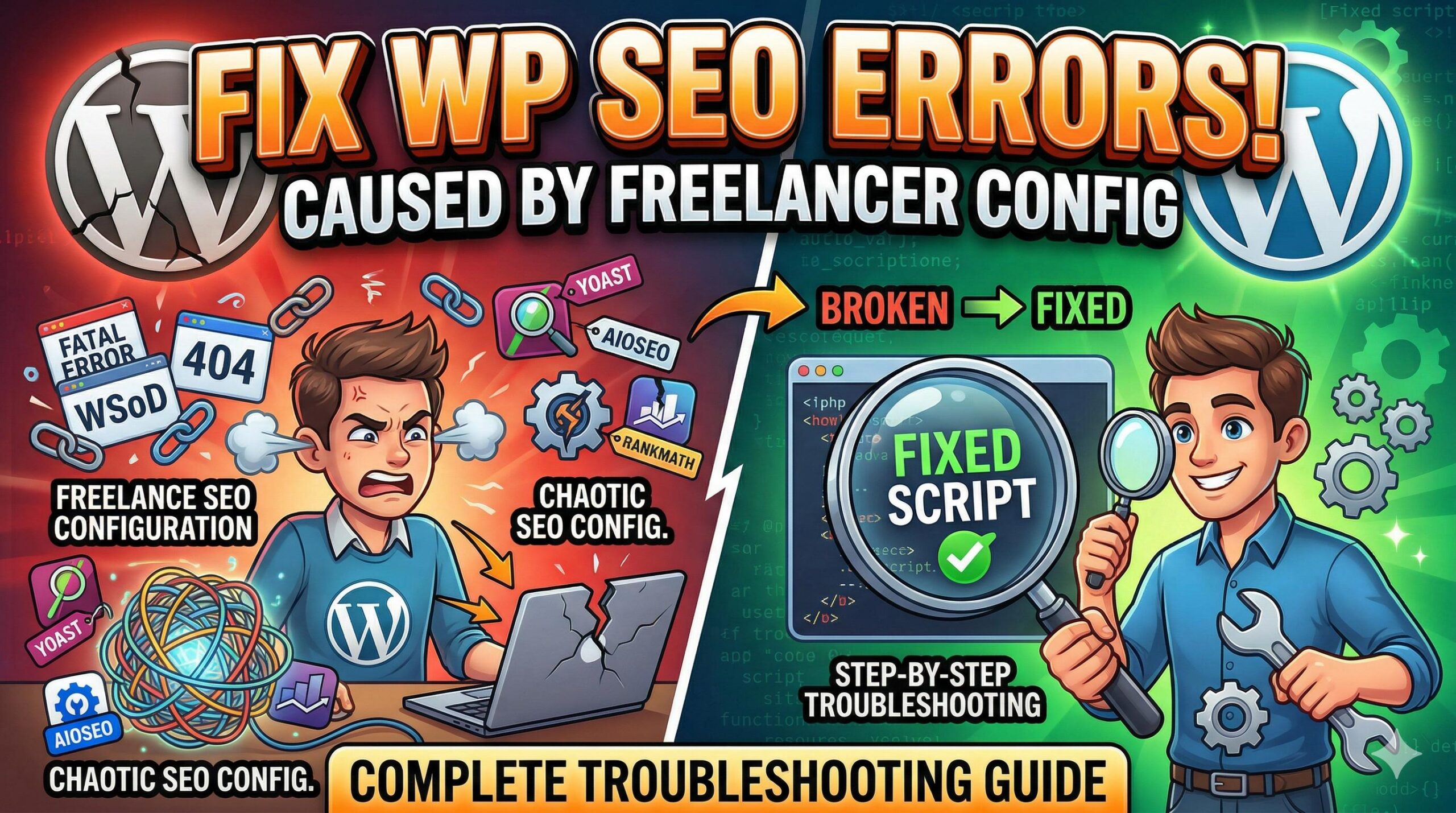
Introduction Have you recently outsourced your website optimization, only to log into your dashboard and find unexpected site errors, broken pages, or a sluggish backend? If so, you are likely dealing with the technical fallout of a freelance SEO implementation. In a WordPress troubleshooting context, a “freelance SEO” issue refers to the specific technical footprint, … Read more

How to Fix Website Errors When Installing Top WordPress Themes

How to Fix Website Errors When Installing Top WordPress Themes

Introduction: Why Upgrading Your Theme Causes Errors Welcome to wordpressissuefix.com. Many beginners search for top WordPress themes to instantly make their websites look professional, modern, and engaging. But what exactly does this term mean? In the WordPress ecosystem, “top WordPress themes” refers to the most popular, highly-rated, and feature-packed templates found in the official repository … Read more

How to Find and Read the Server Error Log in WordPress

How to Find and Read the Server Error Log in WordPress

Introduction If your website suddenly displays a blank white screen or a critical error message, your first step should be to check the server error log WordPress generates. What does this term mean? It is a hidden, automatically generated text file that records every failure, PHP warning, and fatal error happening behind the scenes. Users … Read more