How to Apply the WordPress Memory Exhausted Fix (Beginner’s Guide)

How to Apply the WordPress Memory Exhausted Fix (Beginner’s Guide)
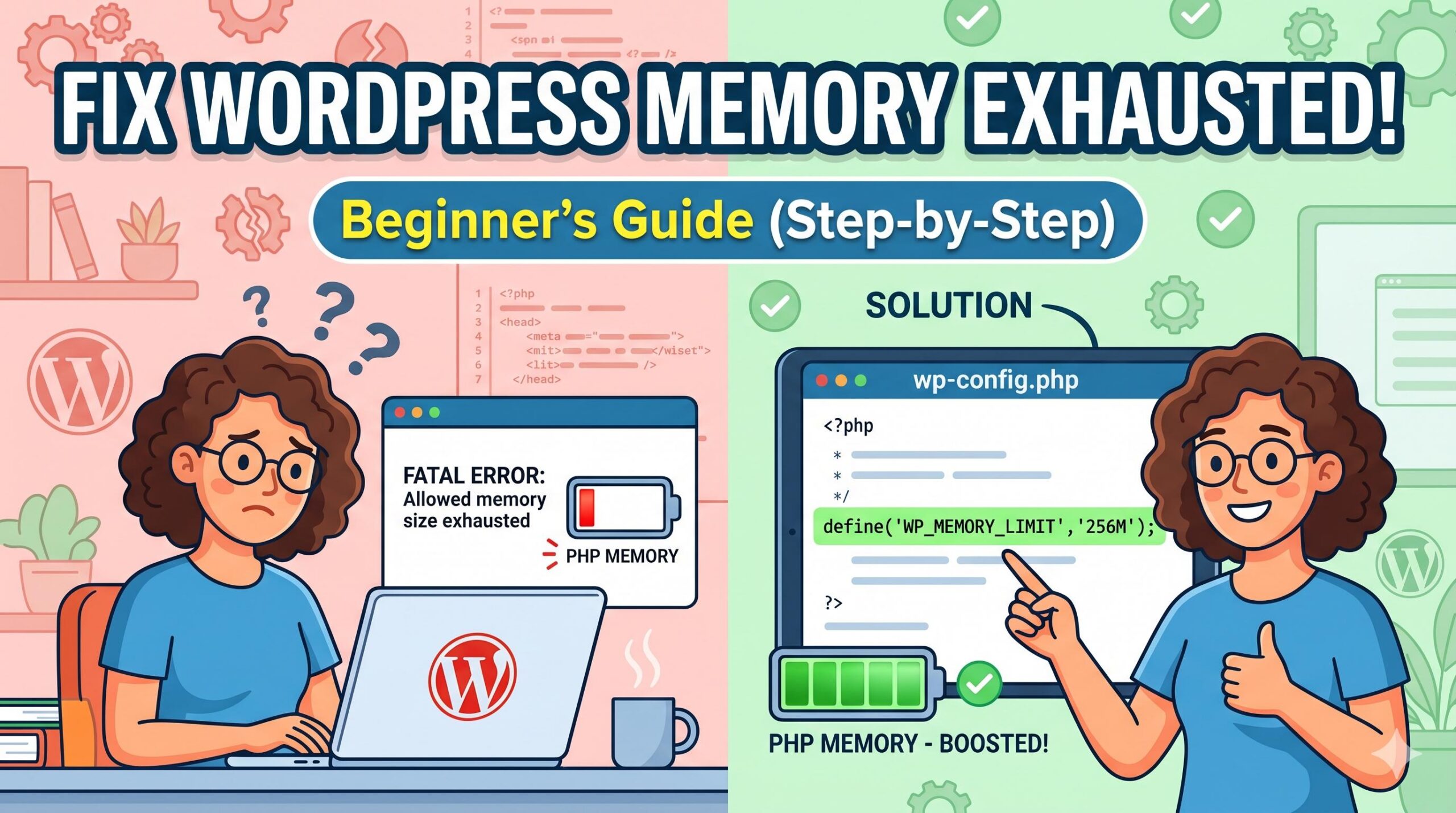
Introduction Have you suddenly encountered a white screen with a message saying, “Fatal error: Allowed memory size of XXXX bytes exhausted”? Don’t panic. You are looking for a reliable wordpress memory exhausted fix, and you are in the right place. This error simply means your WordPress website has exceeded the default PHP memory limit set … Read more
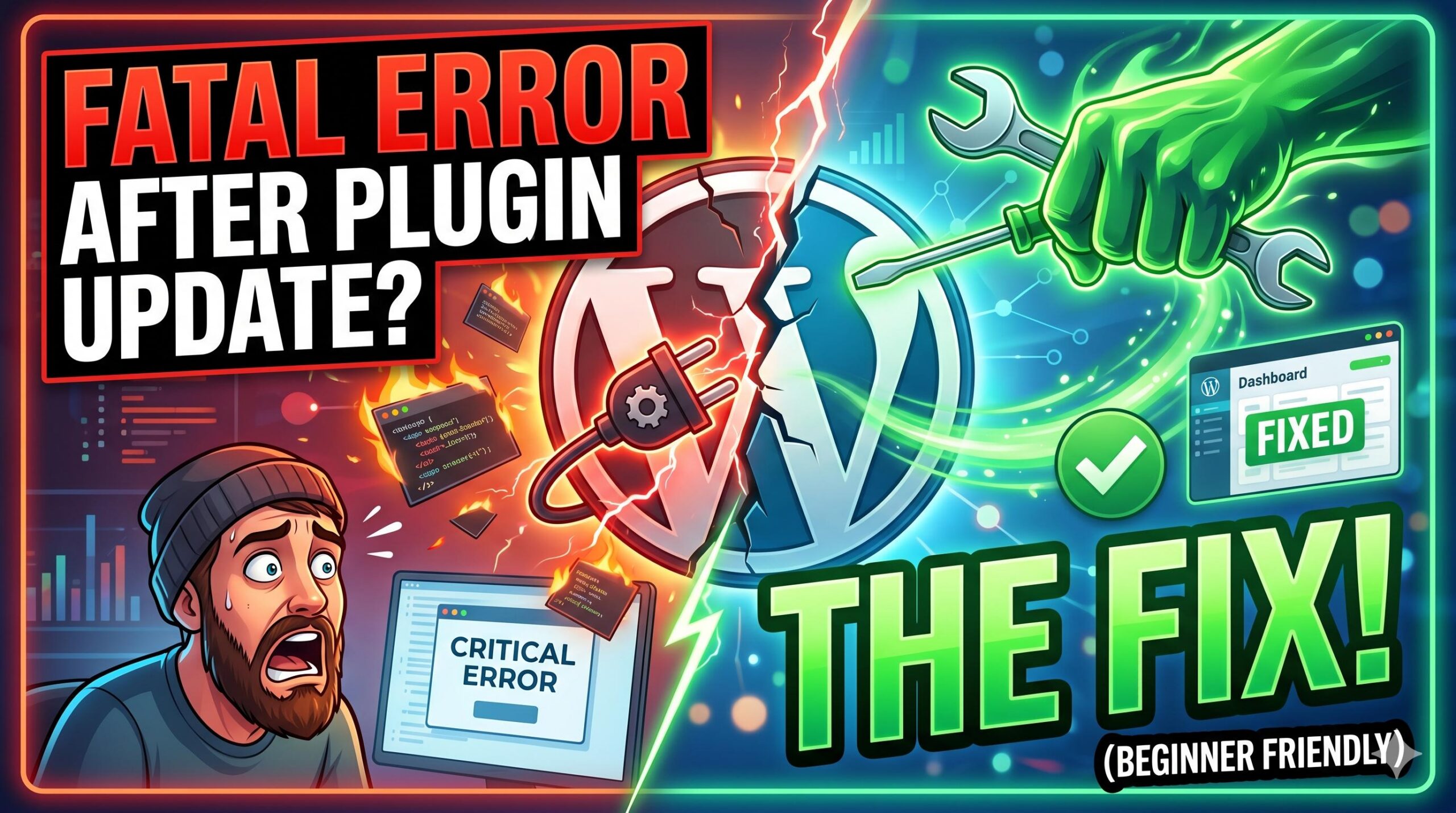
How to Apply a Fatal Error After Plugin Update Fix in WordPress

How to Apply a Fatal Error After Plugin Update Fix in WordPress

Introduction You hit “update” on your trusted plugins, expecting a basic security patch or maybe some glittering new feature. Your WordPress site, on the other hand, promptly crashed. You may be looking at a totally blank white screen or you may see an error message saying something like: “There has been critical error on this … Read more

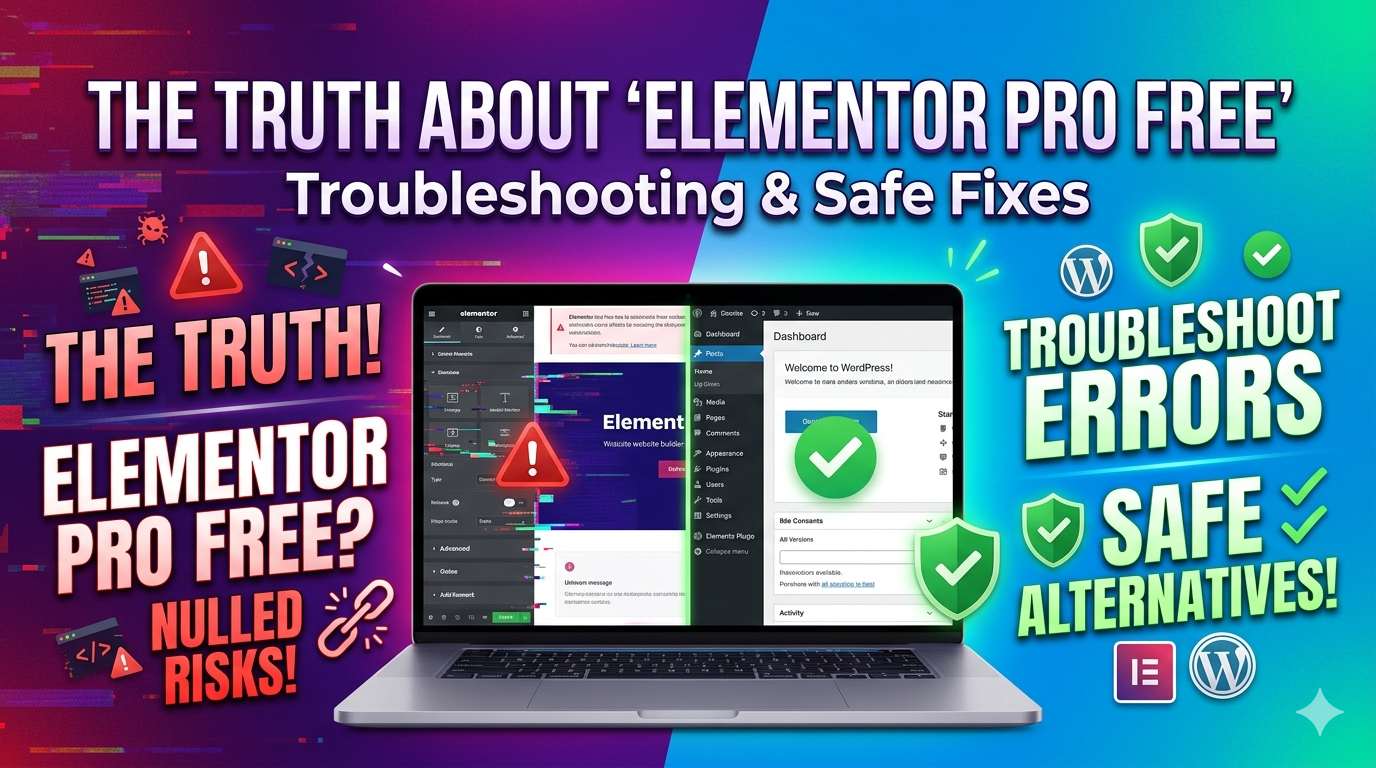
The Truth About “Elementor Pro Free”: Troubleshooting Nulled Plugin Errors and Safe Alternatives

The Truth About _Elementor Pro Free__ Troubleshooting Nulled Plugin Errors and Safe Alternatives

Introduction If you are a WordPress beginner or site admin looking to build a beautiful website on a tight budget, you might be searching for an Elementor Pro free download. While the official free version of Elementor is incredibly useful, the Pro version unlocks advanced tools like the theme builder and premium templates. However, downloading … Read more

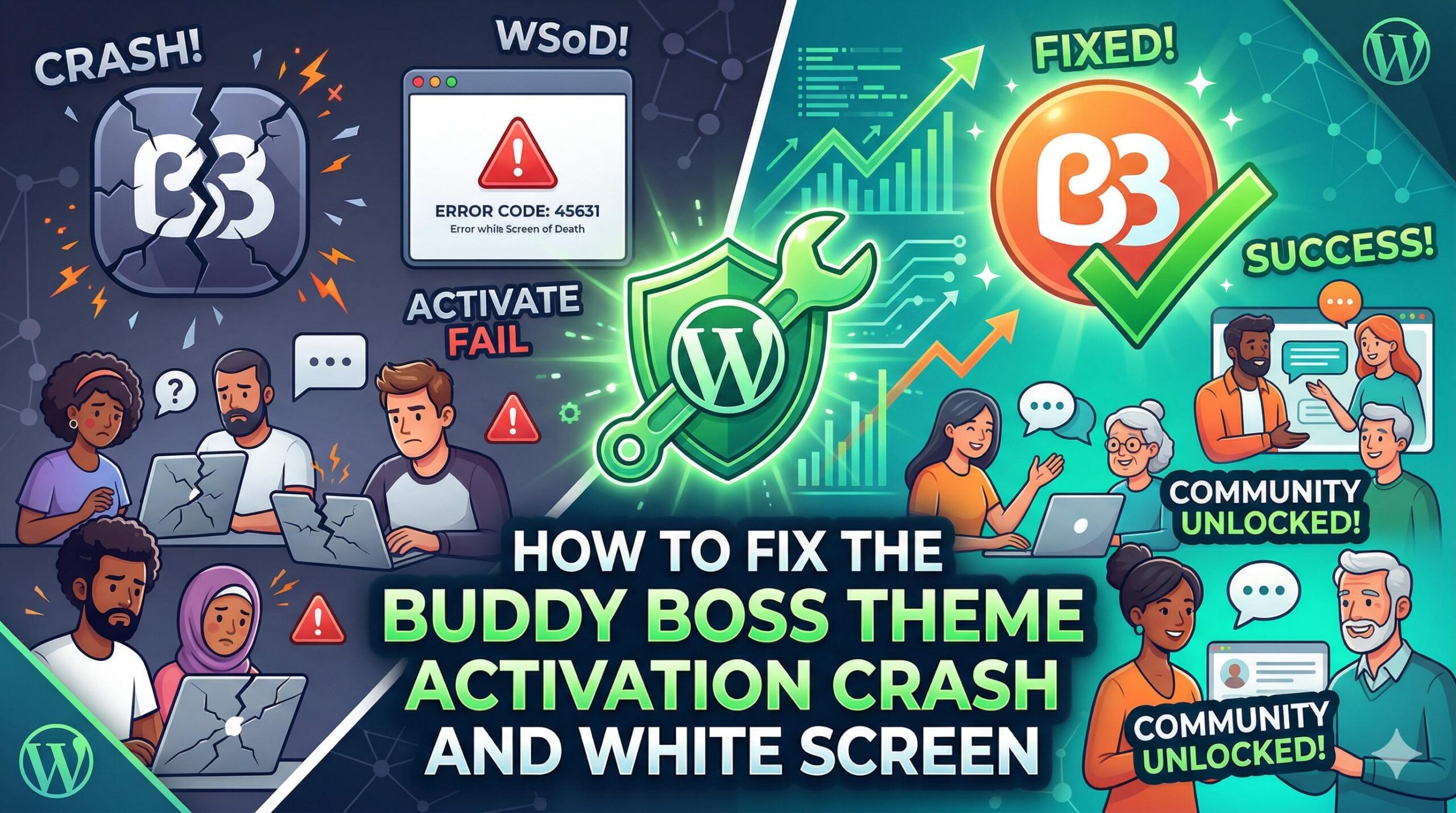
How to Fix the Buddy Boss Theme Activation Crash and White Screen

How to Fix the Buddy Boss Theme Activation Crash and White Screen

Introduction Welcome to WordPressIssueFix.com. If your website crashed immediately after installing a new community template, you are experiencing the infamous buddy boss theme white screen error. What exactly does this mean? It is a fatal server timeout or memory exhaustion issue. You typically encounter this error directly in your WordPress admin dashboard right after clicking … Read more