
Introduction
Have you ever encountered troubling issues with your WordPress site: Google’s red hacked-site warning popping up, visitors being redirected to spam sites, your server
slowing down for no apparent reason, or even your hosting account being directly suspended? As a site operator, to safeguard your data security, you must first understand what malware within this ecosystem is. This type of malicious code often infiltrates sites
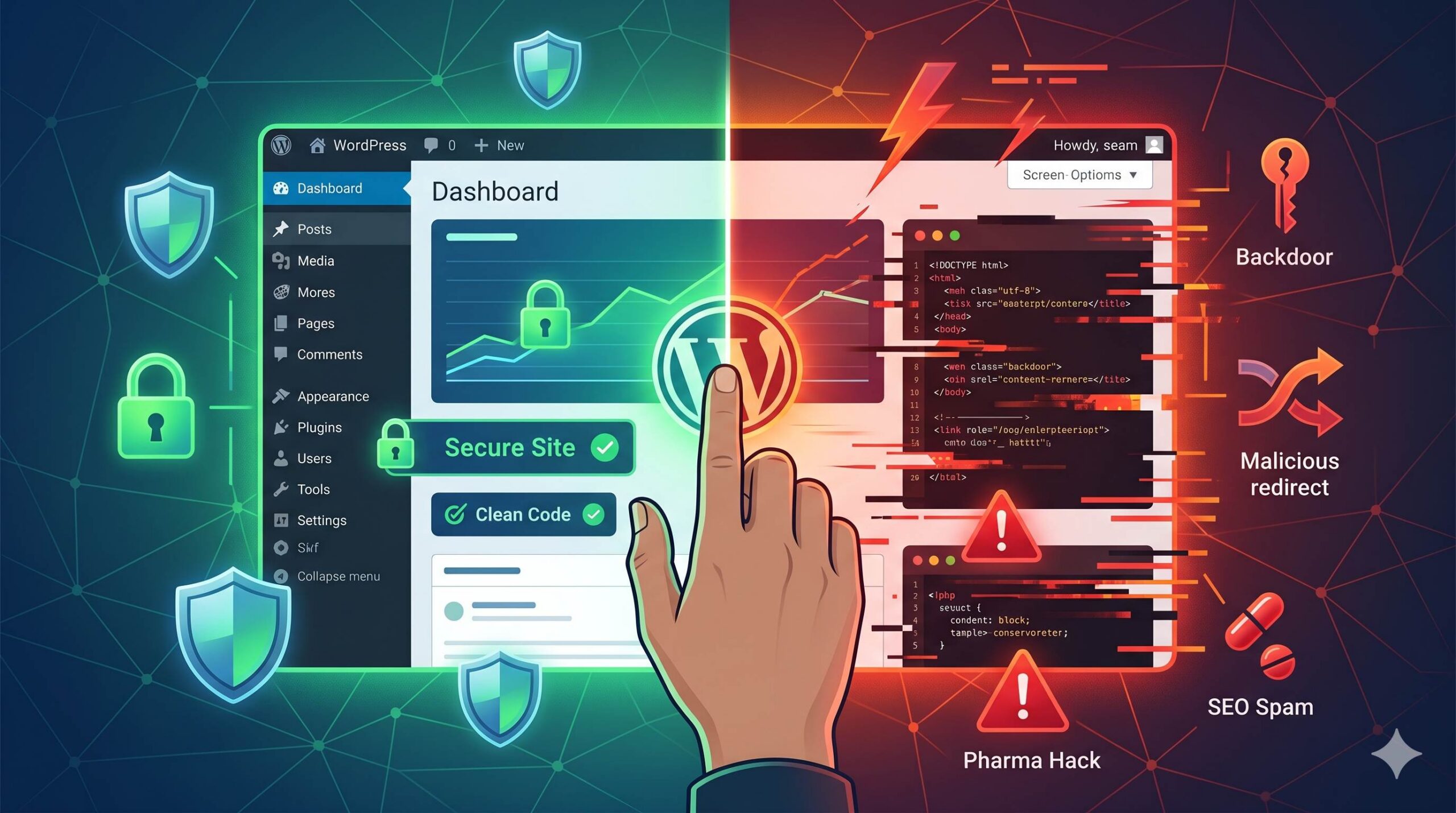
via outdated plugins, weak administrator passwords, and themes with security vulnerabilities. The following guide will help you accurately identify the type of malware you are facing, and take correct measures to completely eliminate underlying risks.
Table of Contents
Why Do Hackers Target WordPress?
If you operate a WordPress site, have you ever encountered the frustrating issues of Google displaying a hacked site warning, visitors being redirected
to spam websites, unexplained server lag, or your hosting account being banned? To safeguard your site’s data security, you must first clarify the definition of malware within the WordPress ecosystem. Malware most often infiltrates sites through
outdated plugins, weak administrator passwords, and themes with security vulnerabilities. The guidance laid out later in this article will help you identify types of this malware and eliminate all potential risks.
The Most Common Types of Malware in WordPress
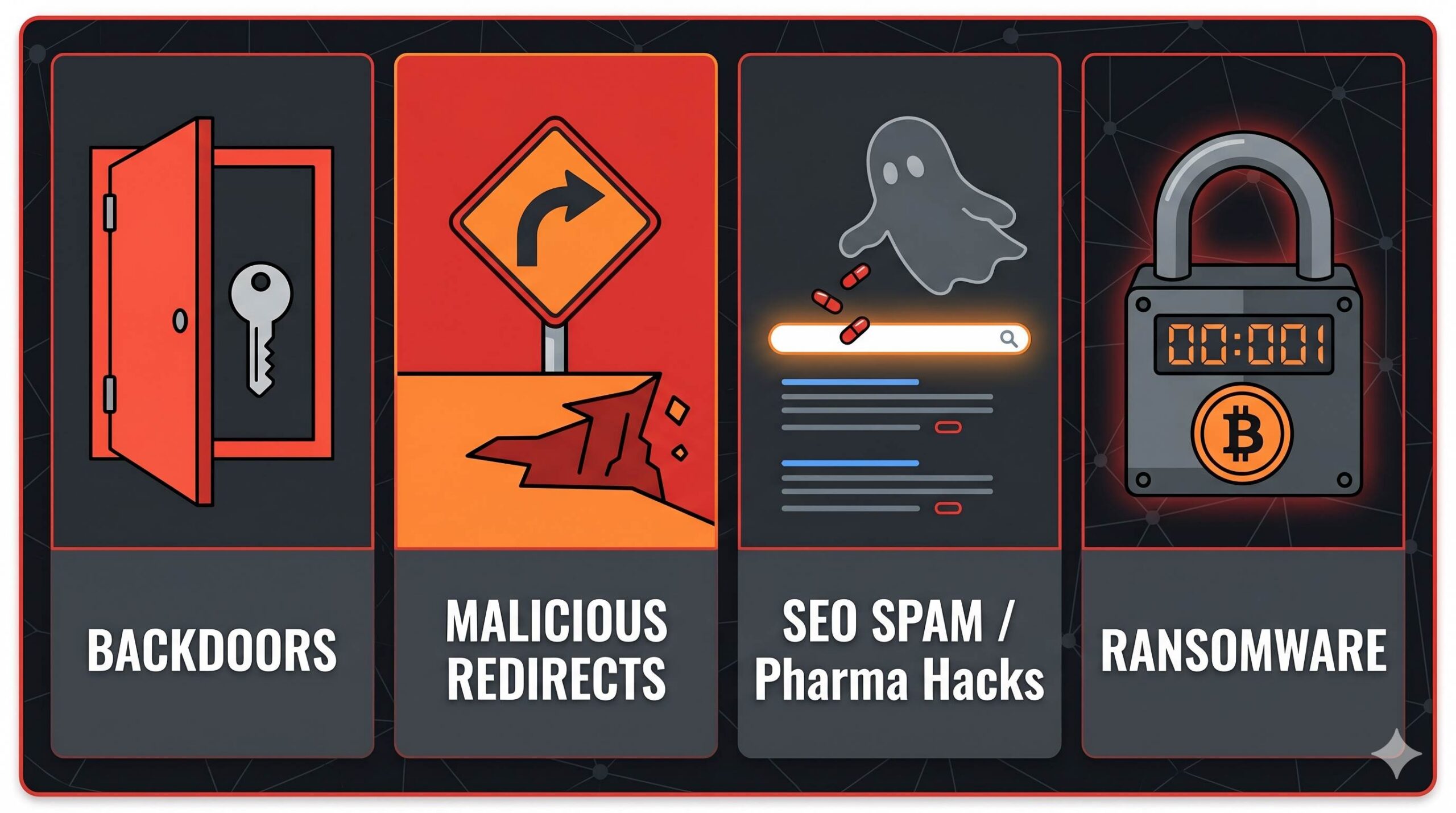
WordPress is a highly secure platform, but its popularity makes it a frequent target. If your site is acting strangely, you are likely dealing with one of these specific issues:
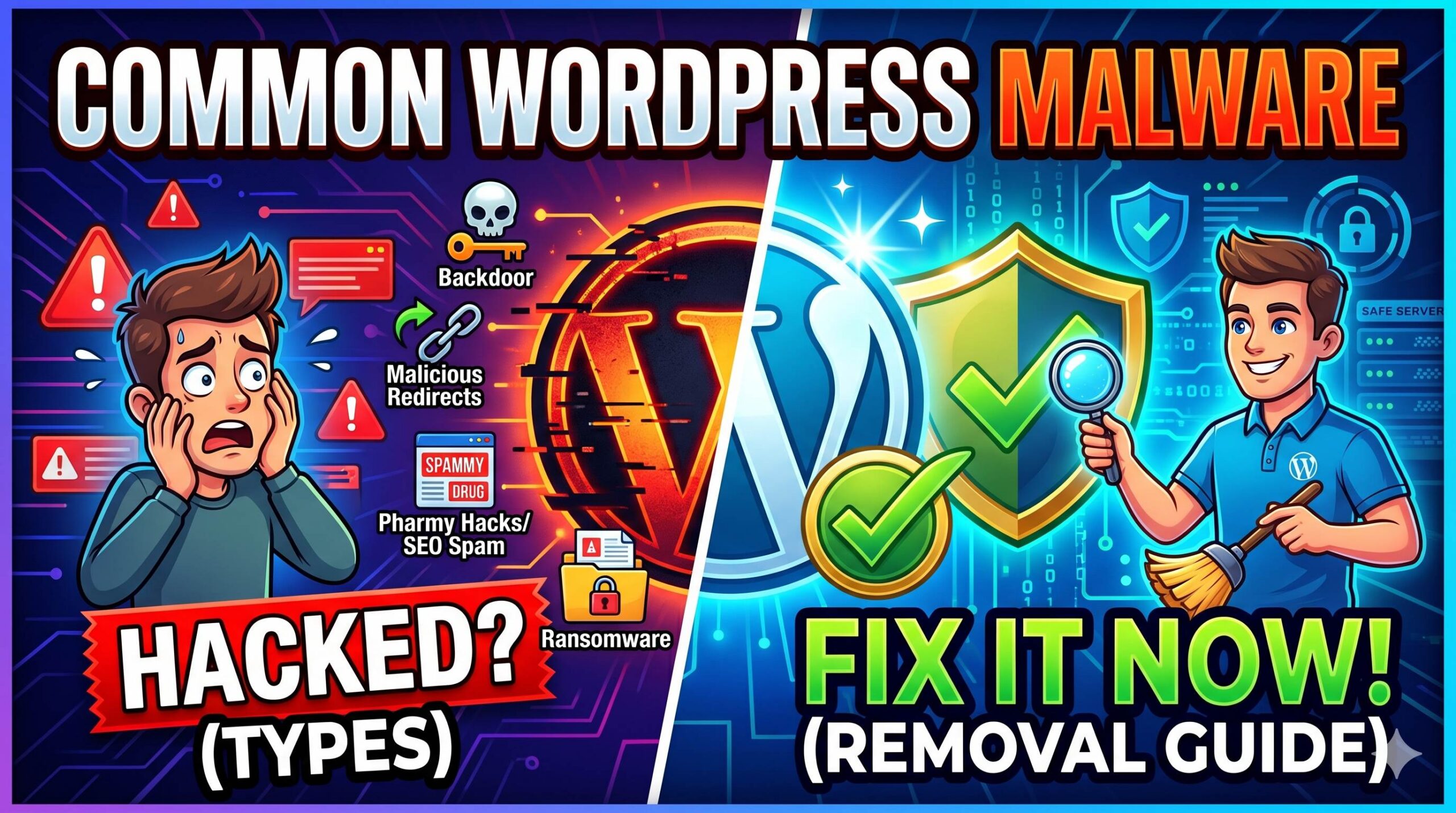
1. Backdoors
WordPress webmasters, website backdoors are a type of malicious program that can bypass normal login procedures. They can breach conventional security defenses to carry out persistent intrusions. Hackers often hide these backdoors in the wp-admin, wp-includes, and wp-content/uploads directories, and disguise them as ordinary files to evade detection.
2. Malicious Redirects
Malicious Redirects is a type of cyberattack targeting websites. Site owners often find that after visitors enter their domain name, those visitors are redirected to illegal pharmaceutical, gambling, or fraud sites. Attackers commonly tamper with the configurations, scripts, or databases of WordPress platforms to steal traffic and divert it to their own profit-making sites.
3. Pharma Hacks (SEO Spam)
Pharma Hacks is extremely stealthy and does not damage the websites it infiltrates. Hackers only seek to misappropriate the good reputation these websites hold on Google, and will generate thousands of hidden pages and invisible links embedded with spam keywords. Website owners can only detect anomalies by spotting unfamiliar descriptions, either when using Google Search Console, or when searching for content from their own site.
4. Cross-Site Scripting (XSS) / Malicious Injections
type of network attack categorized as a malicious injection attack. Attackers can inject malicious JavaScript into a target website’s database, comment sections, or public webpages. When ordinary visitors load the site, the script runs silently, and can be exploited to steal session cookies, hijack user data, and force browsers to download viruses.
5. Ransomware
Ransomware targeting WordPress sites is not commonly found in ordinary basic blogs, it is extremely destructive. This malware first encrypts the site’s files and database to lock the site owner out of all access, then demands a cryptocurrency ransom in exchange for the decryption key.
How to Tell Which Type of Malware Infected Your Site
Different types of malware leave different clues behind. To begin your troubleshooting process, ask yourself these questions:
- Are visitors complaining about pop-ups? This points heavily toward malicious redirects or adware.
- Are there unknown admin accounts in your WordPress dashboard? This is a massive red flag and a strong sign of a backdoor.
- Is Google showing weird keywords for your site? This is the classic symptom of SEO spam and pharma hacks.
- Did your web host shut down your site for “high CPU usage”? Automated spam bots or cryptocurrency miners (another type of malware) often exhaust server resources.
Understanding the exact symptoms helps you and your web host know where to look during the cleanup process.
Beginner-Friendly Steps to Clean WordPress Malware
If you suspect your site is infected, do not panic. Follow these calm, beginner-safe steps to address the problem.
- Put Your Site in Maintenance Mode: Enable the website maintenance mode, which must be implemented on the premise that the backend dashboard remains accessible. This measure applies to the troubleshooting phase of malware intrusion incidents, and can prevent site visitors from coming into contact with the malware.
- Run a Trusted Malware Scanner: For your WordPress site, run trusted security scanners such as Wordfence, Sucuri, and Solid Security, and carry out a comprehensive scan to identify malware and locate infected files.
- Restore a Clean Backup: To repair a hacked website, the optimal solution is to restore the site’s clean backup generated before it was infected, and it is necessary to verify with the hosting service provider whether any usable daily backups are available.
- Reinstall WordPress Core: If your WordPress site cannot be restored from a backup, you may reinstall its core via the backend’s Dashboard > Updates page. This action will overwrite infected files, and it will not delete any of your site’s pre-existing content.
- Change All Passwords: Immediately after completing malware cleanup for your WordPress site, immediately update all passwords for your administrator, FTP, database, and hosting accounts.
The Ultimate WordPress Security Checklist 2026: Protect Your Site Like a Pro
How to Prevent Future Malware Attacks
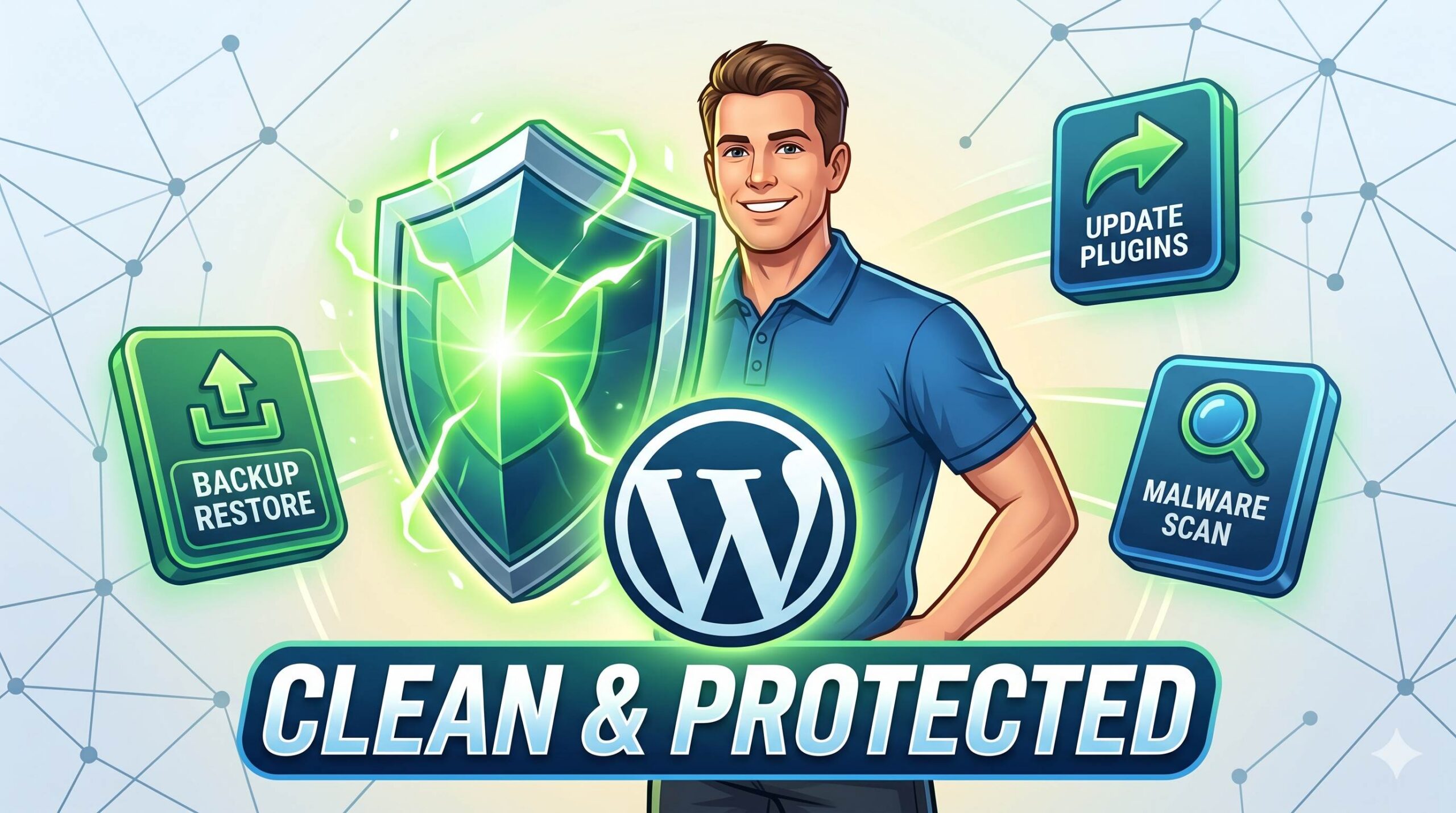
Prevention is always easier than a cure. To stop these different types of malware from returning, implement these basic security habits:
- Keep Everything Updated: Turn on automatic updates for WordPress core, themes, and plugins. Outdated software is the number one cause of infections.
- Delete Unused Items: If you are not using a plugin or a theme, delete it completely. Deactivated plugins can still be exploited by hackers.
- Use Strong Passwords: Never use “admin” as your username, and always use complex, randomly generated passwords.
- Use a Web Application Firewall (WAF): Security plugins often include a firewall that blocks malicious bots before they even reach your website.
Frequently Asked Questions (FAQ)
What is the most common type of malware on WordPress?
Currently, malicious redirects and SEO spam (pharma hacks) are the most common. Hackers prefer these methods because they can directly monetize your website’s traffic and search engine authority.
Can my hosting provider help me fix these types of malware?
Yes, many reputable WordPress hosting providers have automated malware scanning and removal tools. If your site is suspended, reach out to their support team for a list of infected files.
Is there a way to guarantee my site will never be hacked again?
No system is 100% secure, but by keeping your plugins updated and using strong passwords, you eliminate 99% of the risk.
Note: This guide is for educational troubleshooting purposes. If your website processes sensitive customer data or credit card information, consider hiring a professional WordPress security cleanup service to ensure all malicious code is fully eradicated.