How to Fix Astra Template Import Errors: A Complete Troubleshooting Guide
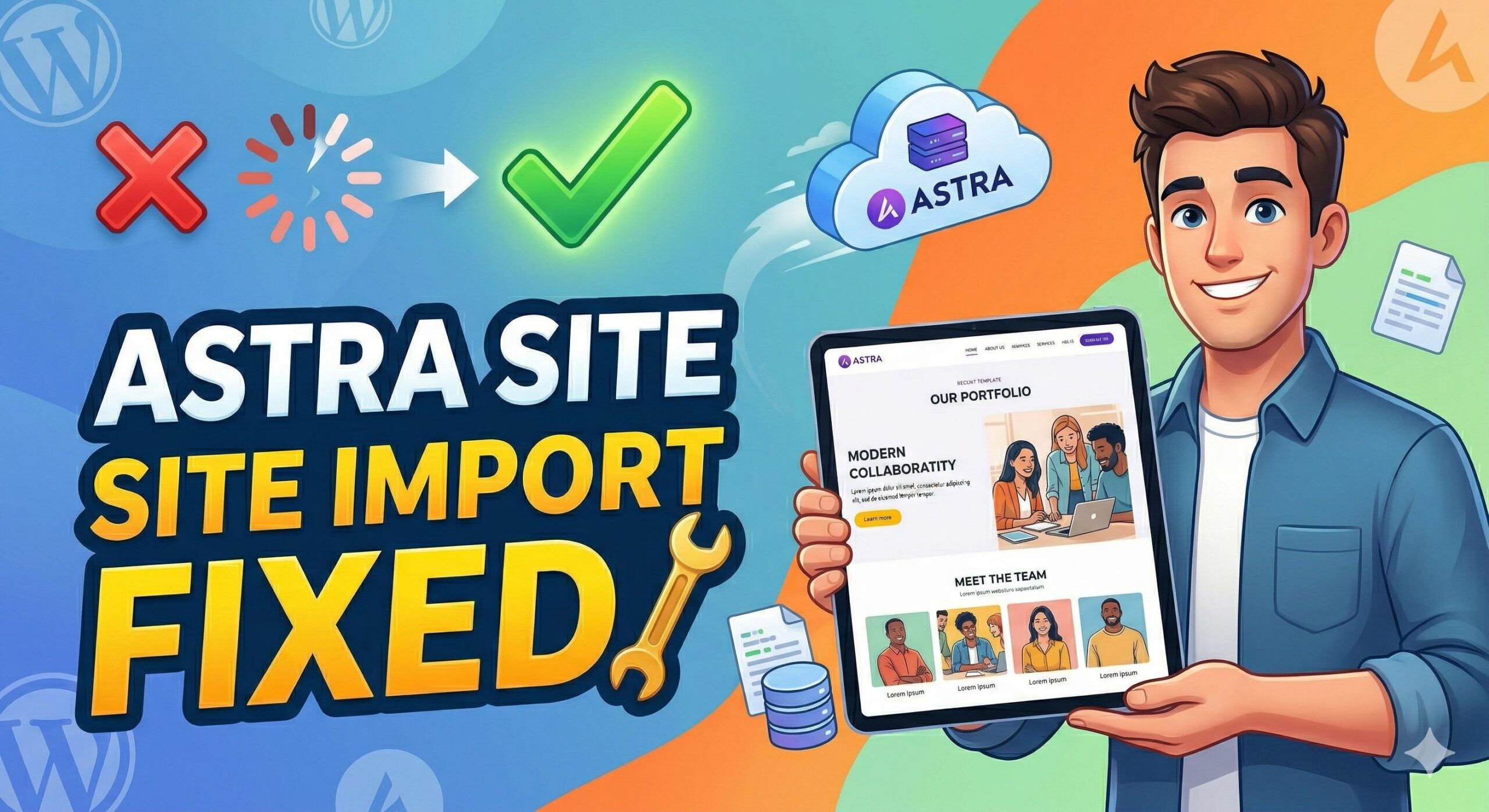
How to Fix Astra Template Import Errors_ A Complete Troubleshooting Guide (1)

Introduction If you are building a website with the Astra theme, few things are as frustrating as seeing an “Import Failed” message just when you’re ready to launch. Astra template import errors occur when the Starter Templates plugin is unable to successfully download or process the demo data—including images, layouts, and settings—from Astra’s cloud servers … Read more
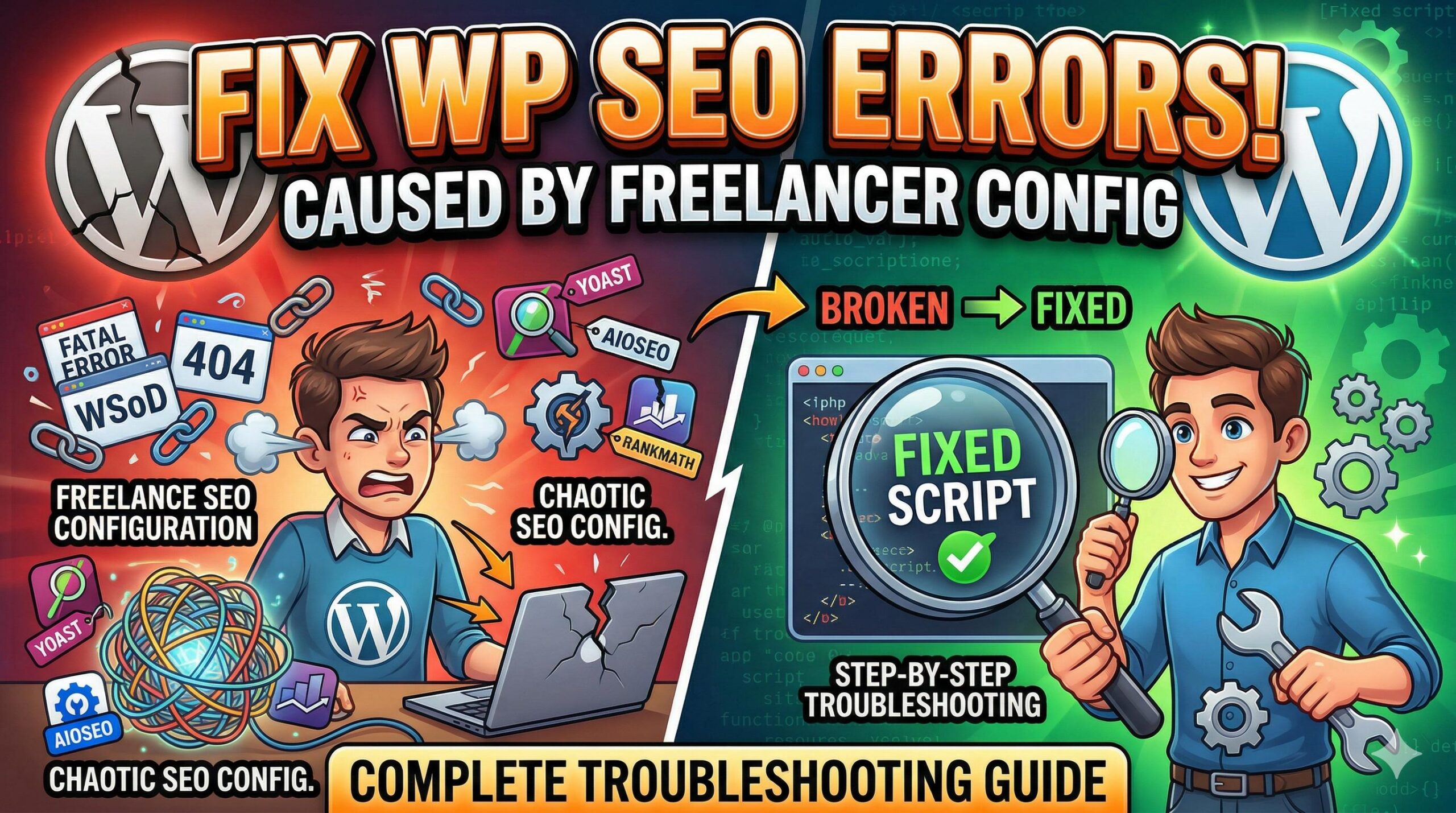
How to Troubleshoot and Fix WordPress Errors Caused by a Freelance SEO Configuration

How to Troubleshoot and Fix WordPress Errors Caused by a Freelance SEO Configuration

Introduction Have you recently outsourced your website optimization, only to log into your dashboard and find unexpected site errors, broken pages, or a sluggish backend? If so, you are likely dealing with the technical fallout of a freelance SEO implementation. In a WordPress troubleshooting context, a “freelance SEO” issue refers to the specific technical footprint, … Read more

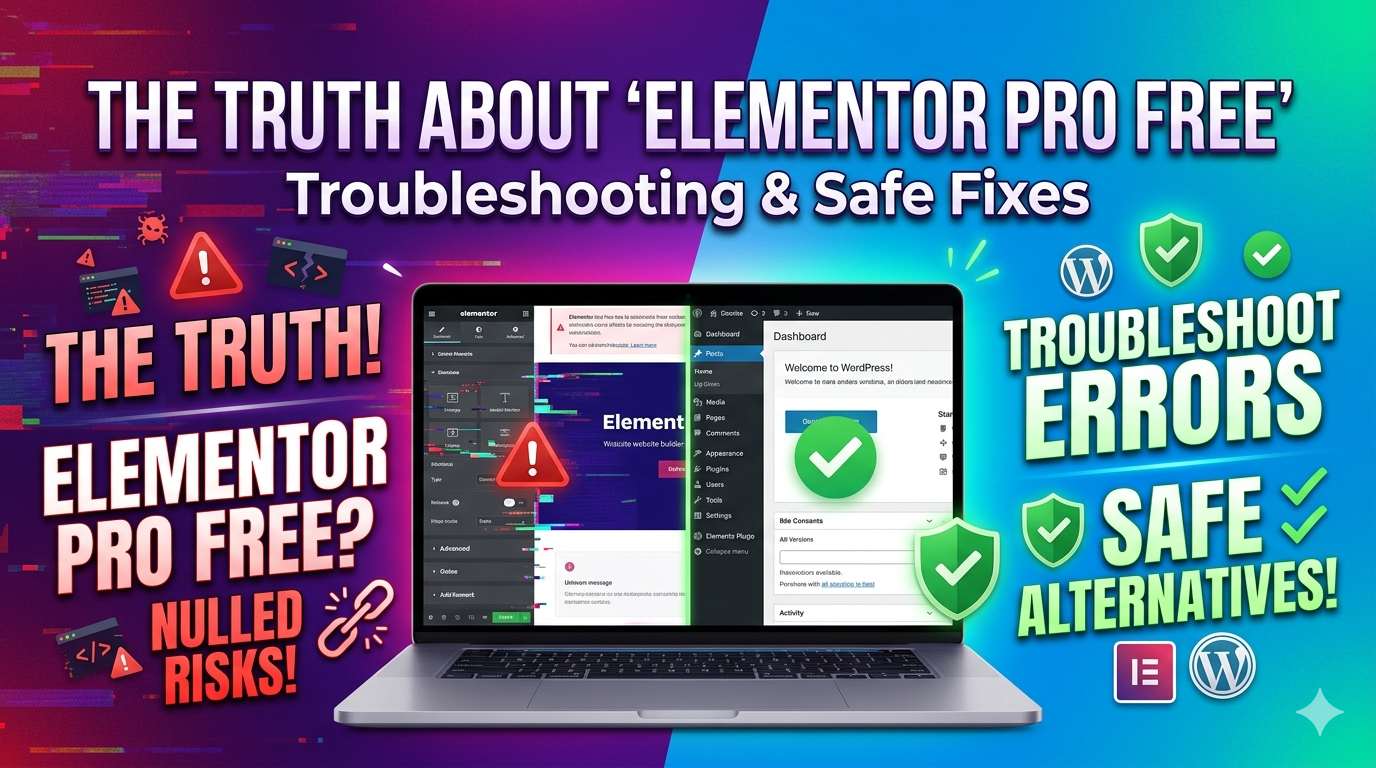
The Truth About “Elementor Pro Free”: Troubleshooting Nulled Plugin Errors and Safe Alternatives

The Truth About _Elementor Pro Free__ Troubleshooting Nulled Plugin Errors and Safe Alternatives

Introduction If you are a WordPress beginner or site admin looking to build a beautiful website on a tight budget, you might be searching for an Elementor Pro free download. While the official free version of Elementor is incredibly useful, the Pro version unlocks advanced tools like the theme builder and premium templates. However, downloading … Read more

How to Optimise WordPress Website Performance: A Beginner’s Troubleshooting Guide

How to Optimise WordPress Website Performance_ A Beginner’s Troubleshooting Guide

Introduction Are you seeing warnings from Google PageSpeed Insights or your hosting dashboard telling you to optimise wordpress website performance? You are in the right place. To optimise a WordPress website means to fix the underlying technical bottlenecks that cause your web pages to load slowly. Site administrators usually encounter this specific recommendation when their … Read more

How to Resolve a “Malware Detection Website” Warning on Your WordPress Site

How to Resolve a _Malware Detection Website_ Warning on Your WordPress Site

Introduction Seeing your WordPress site suddenly blocked by a malware detection website is a stressful experience for any website owner. But what exactly does this mean? It means a security authority (like Google Safe Browsing, Sucuri, or Norton) has scanned your domain and placed it on a protective blacklist. You typically encounter this terrifying red … Read more

How to Fix “Best WordPress Templates” Installation and Missing style.css Errors

How to Fix _Best WordPress Templates_ Installation and Missing style.css Errors

introduction Welcome to wordpressissuefix.com. If you recently downloaded a new design for your website and encountered an installation failure, you are not alone. Many beginners search for the best wordpress templates online, purchase or download a bundle from a third-party marketplace, and immediately try to upload it to their site. However, when you navigate to … Read more

How to Fix the “Computer Virus Site” Warning on Your WordPress Website

How to Fix the _Computer Virus Site_ Warning on Your WordPress Website

Introduction Welcome to wordpressissuefix.com. If visitors try accessing your page and see a terrifying red warning screen, your domain has been flagged as a computer virus site. What does this keyword mean? It means authorities like Google Safe Browsing or desktop antivirus programs have labeled your WordPress installation as a dangerous malware distributor. Where do … Read more