
Introduction
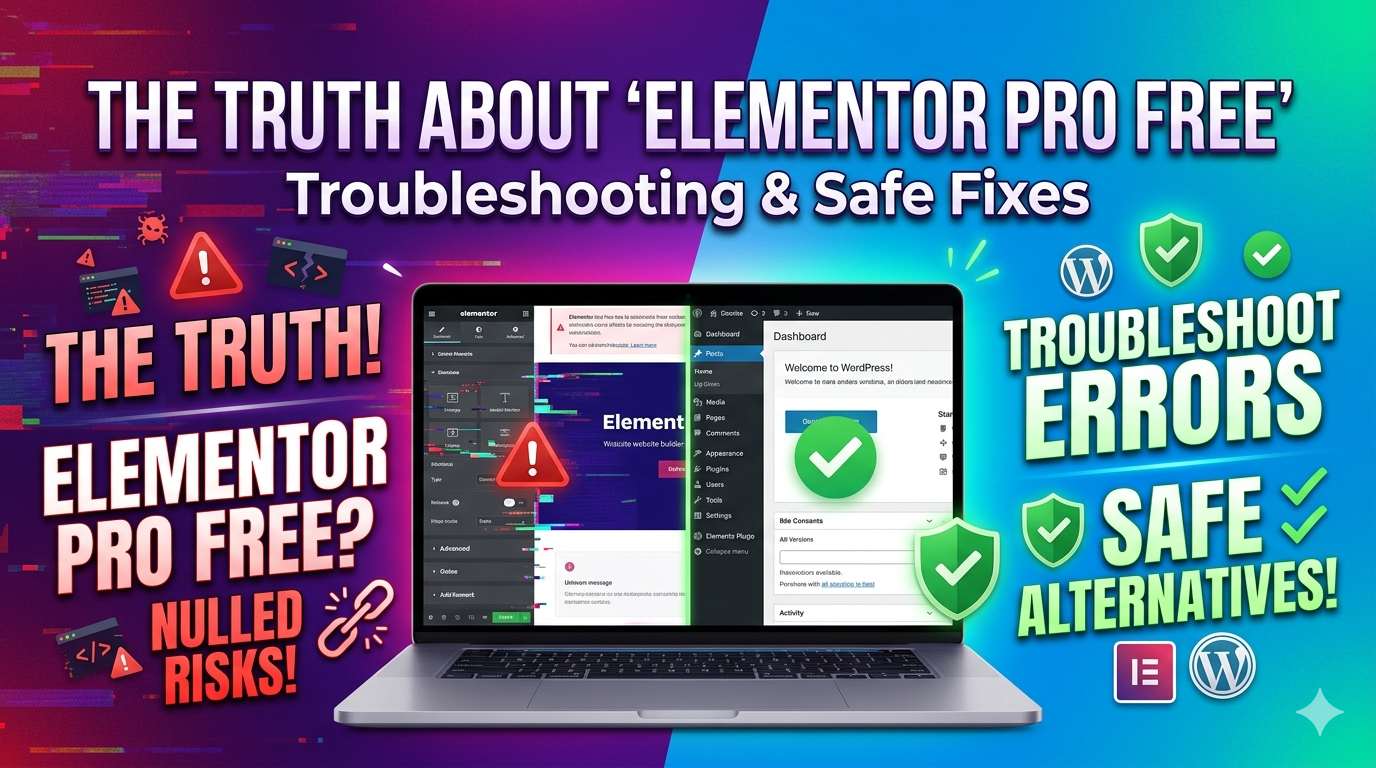
If you are a WordPress beginner or site admin looking to build a beautiful website on a tight budget, you might be searching for an Elementor Pro free download. While the official free version of Elementor is incredibly useful, the Pro version unlocks advanced tools like the theme builder and premium templates. However, downloading “free” premium files from unverified third-party websites actually installs a pirated, “nulled” plugin onto your server.
This guide is strictly for educational troubleshooting purposes to help you understand what this software really is, why it triggers fatal errors on your website, and how to safely restore your site if it has crashed. We will also explore secure, legitimate alternatives to get those premium design features at absolutely no cost.
Table of Contents
What Does “Elementor Pro Free” Actually Mean?
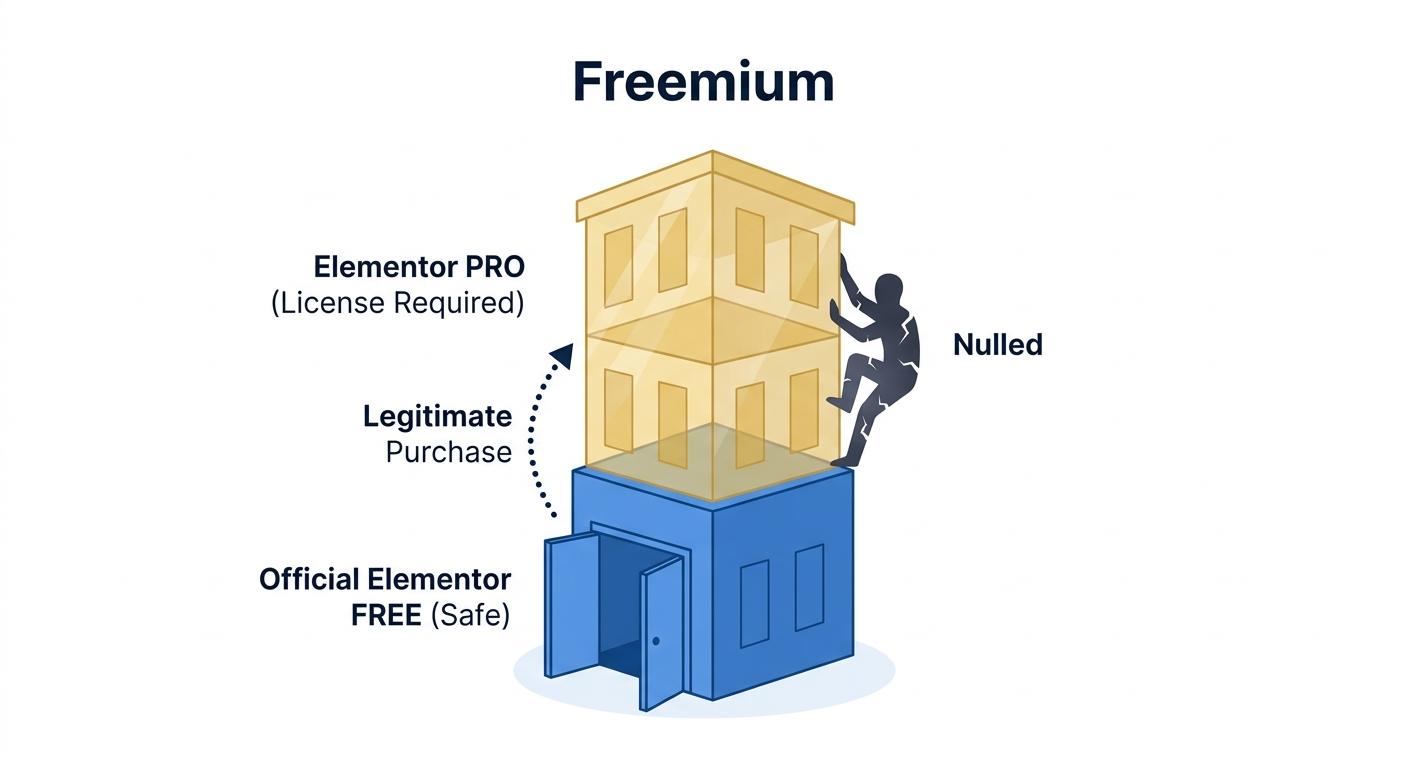
To understand the core issue, we first need to clarify how Elementor’s software structure works. Elementor operates on a “freemium” model:
- Elementor (Free Version): This is the official, legitimate plugin available directly from the WordPress repository. It is 100% free and safe to use.
- Elementor Pro: This is a premium add-on that requires a paid license key to function. It sits on top of the free version to unlock advanced tools.
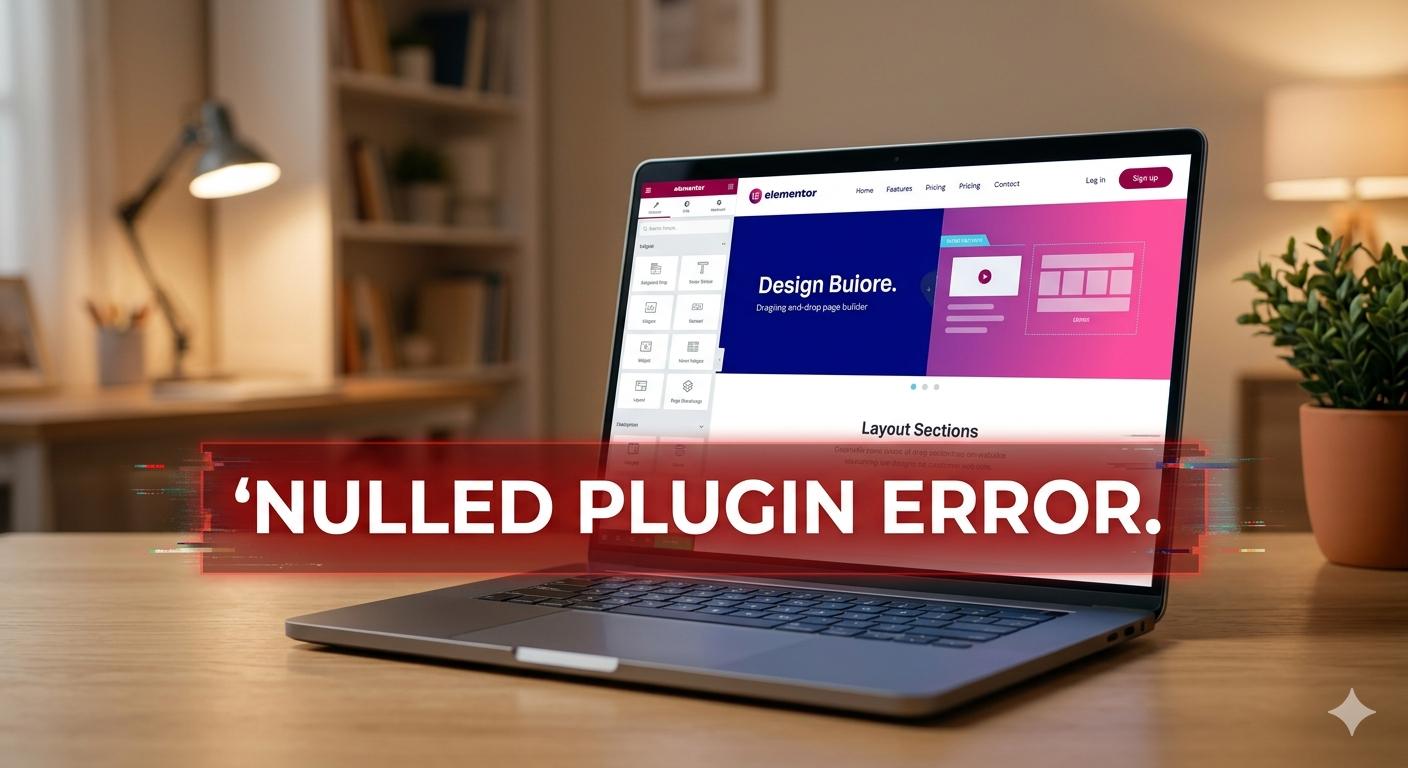
When users search for Elementor Pro free, they are usually directed to third-party websites offering modified versions of the premium plugin. These are known as “nulled” plugins. A nulled plugin is a premium WordPress product that has been hacked or modified to bypass the license key verification system.
While it is entirely understandable to want to keep your website costs down, downloading these modified files is the leading cause of fatal errors, malware infections, and suspended hosting accounts in the WordPress ecosystem.
Why “Free” Pro Plugins Cause Critical WordPress Errors
If you have installed a nulled version of Elementor Pro, you will almost immediately encounter technical issues. The errors happen for three primary reasons:
1. Broken Code and Compatibility Issues
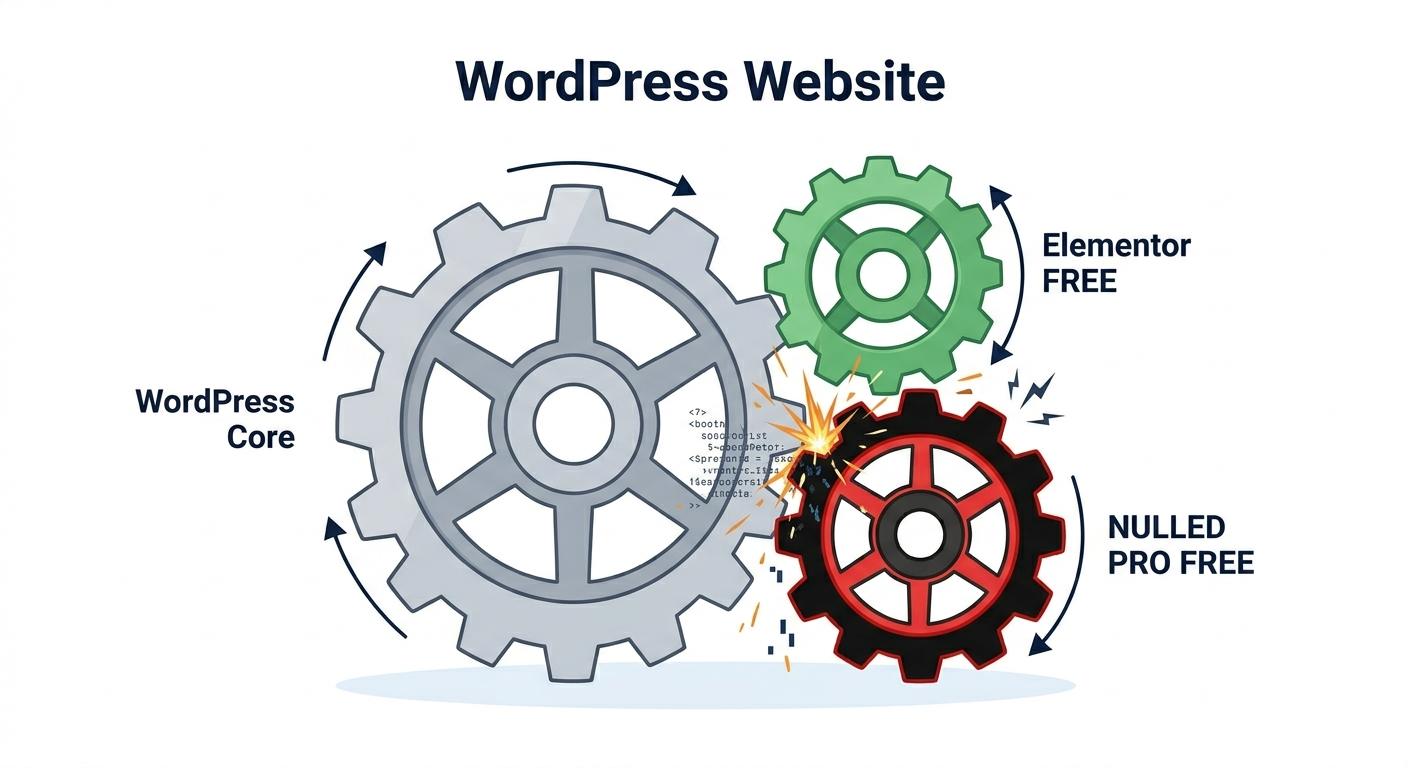
Elementor frequently updates its core free plugin. A nulled version of Elementor Pro is usually an older, modified file. When your WordPress site tries to run an updated free version alongside an outdated, hacked Pro version, the PHP code conflicts. This mismatch commonly results in a Fatal Uncaught Error, instantly crashing your website and locking you out of the wp-admin dashboard.
2. Malicious Code and Backdoors
Hackers do not modify and distribute premium plugins out of the goodness of their hearts. The hidden cost of an Elementor Pro free download is almost always malware. The files are injected with malicious scripts that run silently in your website’s background. These scripts can spam your visitors, redirect your traffic to malicious sites, or steal customer data.
3. Exhausted Server Resources
The hidden scripts embedded inside nulled plugins run constantly, pinging external servers and forcing your hosting server to work overtime. This will lead to a 503 Service Unavailable error or a 500 Internal Server Error, as your hosting provider automatically shuts down your site to protect their servers from the resource spike.
How to Troubleshoot and Fix a Nulled Elementor Pro Installation
If you downloaded an unauthorized version of Elementor Pro and your site is now experiencing errors, white screens, or strange redirects, do not panic. Follow these beginner-safe troubleshooting steps to clean and restore your WordPress site.
Step 1: Force Deactivate the Plugin via File Manager
If a fatal error has locked you out of your WordPress dashboard, you must deactivate the plugin directly from your hosting server.
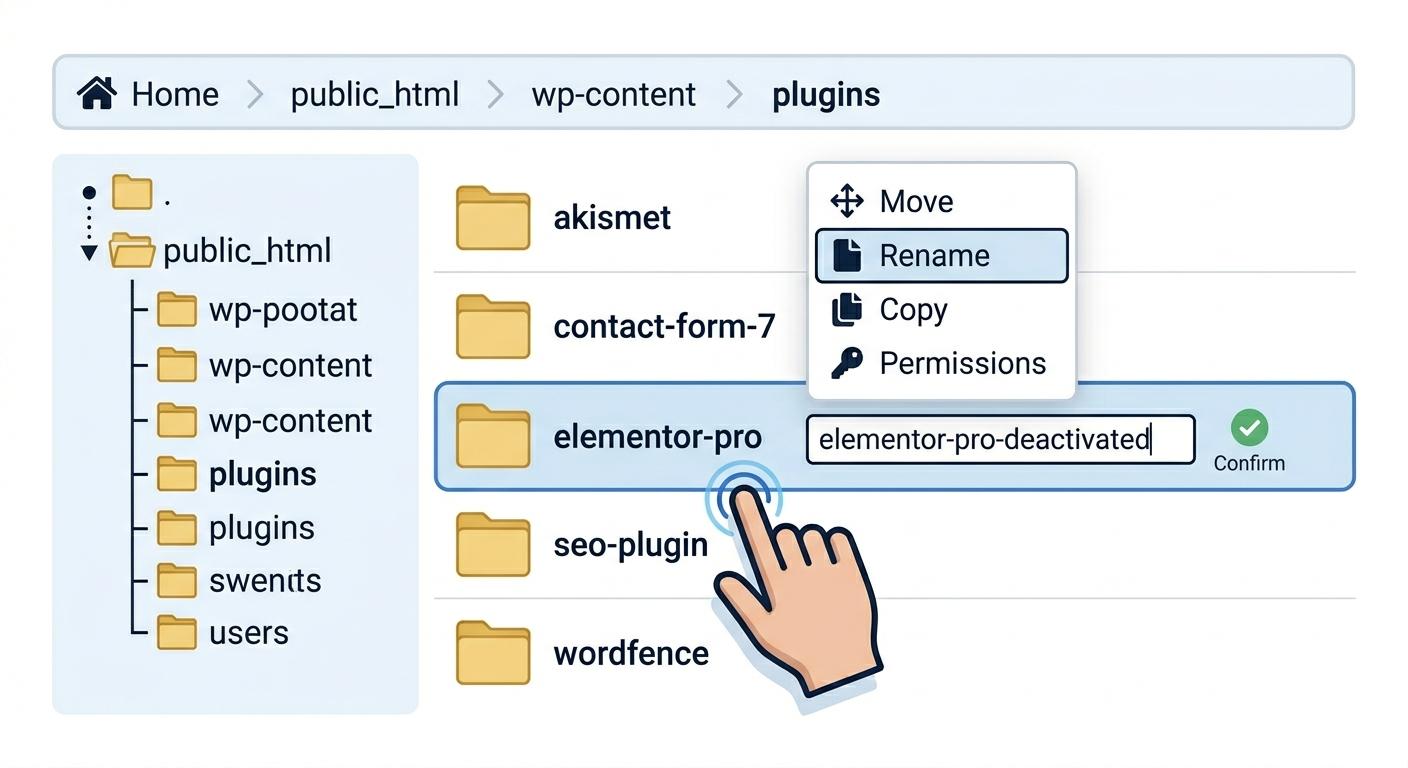
- Log in to your hosting account’s control panel (like cPanel) and open the File Manager.
- Navigate to
public_html/wp-content/plugins/. - Locate the folder named
elementor-pro. - Rename that folder to
elementor-pro-deactivated. This immediately forces WordPress to disable the plugin, restoring access to your dashboard.
Step 2: Permanently Delete the Files
Once you can access your WordPress dashboard again:
- Go to Plugins > Installed Plugins.
- Find the deactivated Elementor Pro plugin.
- Click Delete to permanently remove the modified files from your server.
Step 3: Scan Your Website for Malware

Simply deleting the plugin might not remove the hidden scripts it left behind in your database.
- Install a reputable, free security plugin like Wordfence Security.
- Run a comprehensive scan of your entire website.
- Allow Wordfence to delete or repair any files that have been infected by the nulled software.
Step 4: Reinstall the Official Free Version
To ensure your site runs smoothly, go back to Plugins > Add New and reinstall the official, legitimate version of Elementor from the WordPress repository.
Claim Your Exclusive Welcome Bonus at OneWin Today
Safe, Legal Alternatives to Get Pro Features for Free

You do not need to risk your website’s health to build a beautiful design. The WordPress open-source community provides incredibly powerful, safe, and legal alternatives to an Elementor Pro free download.
If you need advanced features but have no budget, you can install trusted, third-party add-ons that expand the free version of Elementor. Because these are hosted on the official WordPress repository, they are thoroughly scanned for safety and updated regularly.
Consider adding these to your site instead:
- Essential Addons for Elementor: This highly popular, free plugin adds over 40 advanced widgets (like post grids, pricing tables, and countdowns) that normally require Elementor Pro.
- Royal Elementor Addons: If you need the coveted Theme Builder features (the ability to design custom headers, footers, and blog post templates), this free plugin provides a safe, legal way to do it without a premium license.
- ElementsKit Elementor Addons: Another fantastic, secure alternative that offers advanced mega menus, header builders, and dozens of pre-designed layout blocks.
How to Fix Website Errors When Installing Top WordPress Themes
Frequently Asked Questions (FAQs)
Is there a legal way to get an Elementor Pro free license? No, there is no official free version of Elementor Pro. The company operates on a freemium model, offering a robust free base plugin, while the Pro version requires a paid license. Any site claiming to offer a free Pro license is distributing unauthorized, modified, or pirated software.
Why did my website crash with a “Fatal Error” after installing the plugin? Fatal errors occur because of code incompatibility. Nulled or pirated plugins are often outdated. When your website tries to run an updated free version of Elementor alongside an outdated, hacked Pro version, the PHP code conflicts and immediately crashes your WordPress dashboard.
Is my website safe if I just deactivate the modified plugin? Simply deactivating a nulled plugin is not enough to secure your website. Because these files often contain hidden malicious scripts, you must completely delete the plugin files from your server and run a full security scan using a tool like Wordfence to ensure no backdoors were left behind in your database.
Can I use the free version of Elementor forever? Yes! The core Elementor plugin available in the official WordPress repository is open-source and 100% free forever. It is completely safe to use and receives regular security and feature updates directly from the developers.
Conclusion
In conclusion, downloading an Elementor Pro free file from an unofficial source is never worth the risk to your WordPress website. What seems like a quick way to save money almost always results in fatal code conflicts, hidden malware infections, and stressful troubleshooting to get your site back online.
Instead of risking your hard work and your visitors’ safety, always stick to the official plugins available in the WordPress directory. By utilizing high-quality, repository-approved free add-ons (like Essential Addons or Royal Elementor Addons), you can safely unlock the advanced design features you need while keeping your website secure, fast, and completely error-free.