
Introduction
What exactly is WordPress hardening? In simple terms, WordPress hardening is the comprehensive process of securing a WordPress website by adding multiple layers of protection to patch vulnerabilities and prevent cyber attacks. Just like you would lock your doors, fortify your windows, and install an alarm system to protect your physical home from intruders, WordPress hardening involves configuring your website’s core settings, updating software, and utilizing specific security protocols to actively block hackers and malicious bots.
For the growing community of forex traders, market analysts, and financial educators in Nigeria who run their own websites, understanding this concept is absolutely vital. If you host financial content or manage a trading community, your digital platform is a prime target for cyber threats. This guide will explain exactly how to implement WordPress hardening to protect your online presence.
Table of Contents
Why WordPress Hardening is Crucial in the Forex Niche
If you are running a platform like earnfx.ng, or any other blog dedicated to currency market education, you might wonder why hackers would target an educational site. The reality of the internet is that cyber attacks are largely automated. Malicious bots scan the web looking for weak, unhardened WordPress sites to exploit.
Once they gain access, they can steal subscriber email lists, inject malicious code, redirect your readers to scam websites, or hold your digital assets for ransom. In the forex education space, your reputation and the trust of your audience are your most valuable assets. If a beginner trader visits your site to learn about market structure and their computer is infected with malware because your site was breached, that trust is destroyed forever.
Disclaimer: Please note that navigating cybersecurity requires diligence, much like navigating the financial markets. Trading involves risk. The content provided on this website is for educational purposes only and does not constitute financial advice. Always practice proper risk management in both your trading accounts and your digital infrastructure.
The Core Principles of WordPress Hardening
Hardening your website is not a one-time event; it is an ongoing practice. Here are the foundational steps every beginner must take to properly execute WordPress hardening.
1. Secure Your Login Credentials and Area
The most common way unauthorized users break into a WordPress site is through a “brute force attack,” where automated software guesses thousands of password combinations per second.
- Strong Passwords: The first step in WordPress hardening is enforcing complex passwords. Never use “admin” as your username, and ensure your password contains a mix of symbols, numbers, and cases. Treat your WordPress login with the same level of security as your live forex brokerage account.
- Limit Login Attempts: By default, WordPress allows users to try logging in an unlimited number of times. A key hardening technique is installing a plugin that locks an IP address out after three or four failed login attempts.
- Two-Factor Authentication (2FA): Implementing 2FA means that even if a hacker guesses your password, they cannot log in without a temporary code sent to your mobile phone.
How to Fix Your WordPress Site When Flagged by a Virus Detector Website
2. Keep Themes, Plugins, and Core Software Updated
Outdated software is one of the leading causes of website breaches. When WordPress developers find a security flaw in a plugin or theme, they release an update to patch it. If you ignore these updates, hackers can exploit those publicly known flaws to take control of your site. A major rule of WordPress hardening is establishing a routine to check for and apply updates weekly. Delete any themes or plugins you are no longer using, as dormant software can still be exploited.
3. Implement a Web Application Firewall (WAF)
A Web Application Firewall acts as a security guard standing between your website and the rest of the internet. It inspects all incoming traffic and blocks malicious requests before they even reach your server. Many premium WordPress security plugins include a WAF. For a Nigerian forex blogger looking to protect their site from international botnets, a WAF is a non-negotiable aspect of WordPress hardening.
Advanced WordPress Hardening Techniques
Once the basics are covered, you can move on to more advanced hardening steps to make your site virtually impenetrable to casual automated attacks.
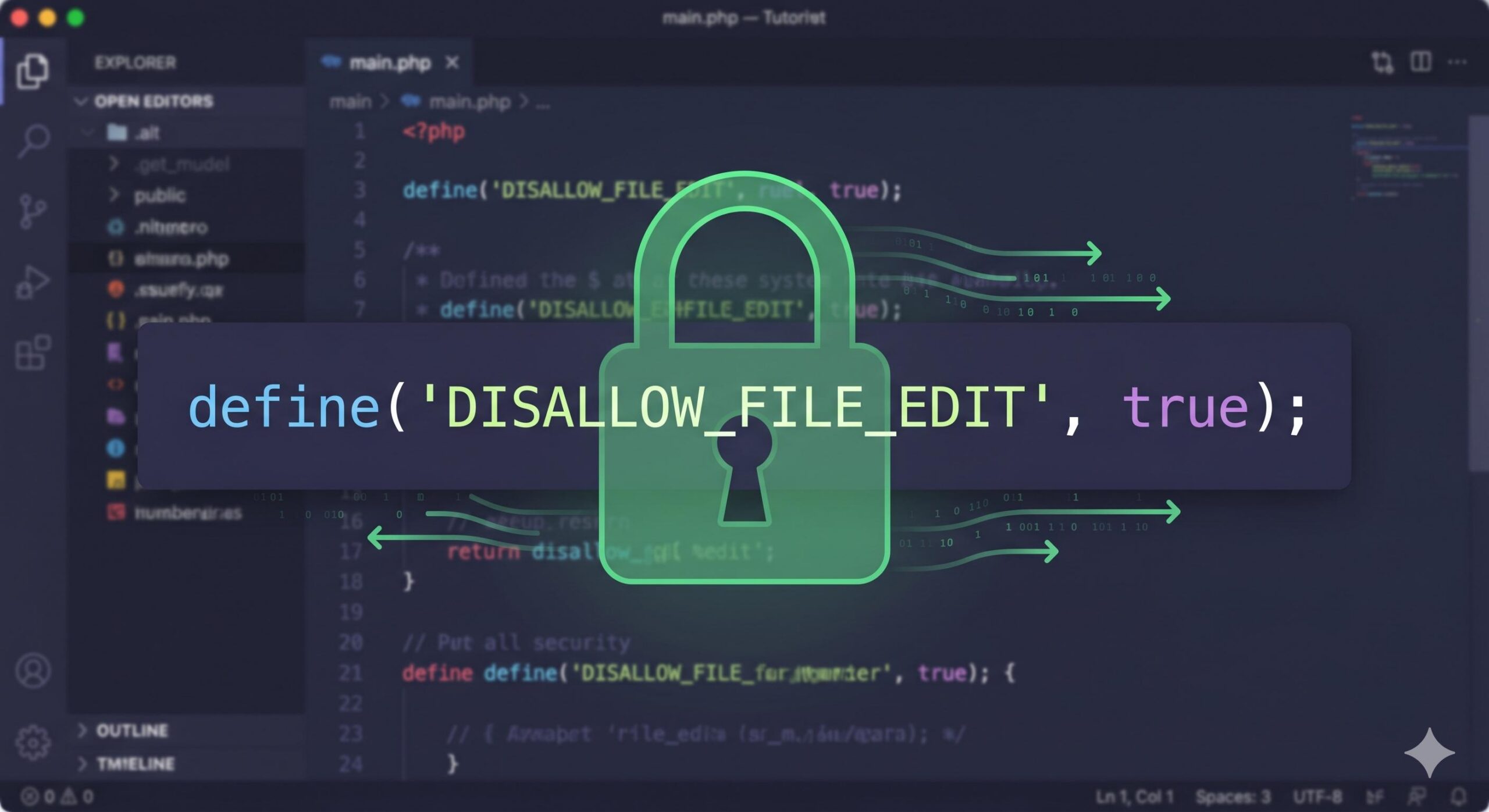
Disable File Editing in the Dashboard
By default, WordPress allows administrators to edit the underlying code of themes and plugins directly from the dashboard. While convenient, this is a massive security risk. If a hacker manages to log in, they can instantly inject malicious PHP code into your site. WordPress hardening dictates that you should disable this feature. This is done by adding a simple line of code to your wp-config.php file: define('DISALLOW_FILE_EDIT', true);. Once applied, code can only be altered via secure FTP access.
Change the Default Database Prefix
When you install WordPress, the tables in your database are created with a default prefix of wp_. Because this is universal, hackers write automated scripts specifically targeting databases with this prefix. Changing this prefix (for example, to fx_earn_) during installation, or later via a security plugin, obscures your database structure and is a highly effective WordPress hardening tactic.
The Consequences of Ignoring WordPress Hardening
Failing to prioritize WordPress hardening can have devastating consequences for your educational platform. Imagine spending months writing high-quality guides on technical analysis, price action, and trading psychology for your Nigerian audience, only to have your site taken offline by a cyber attack.
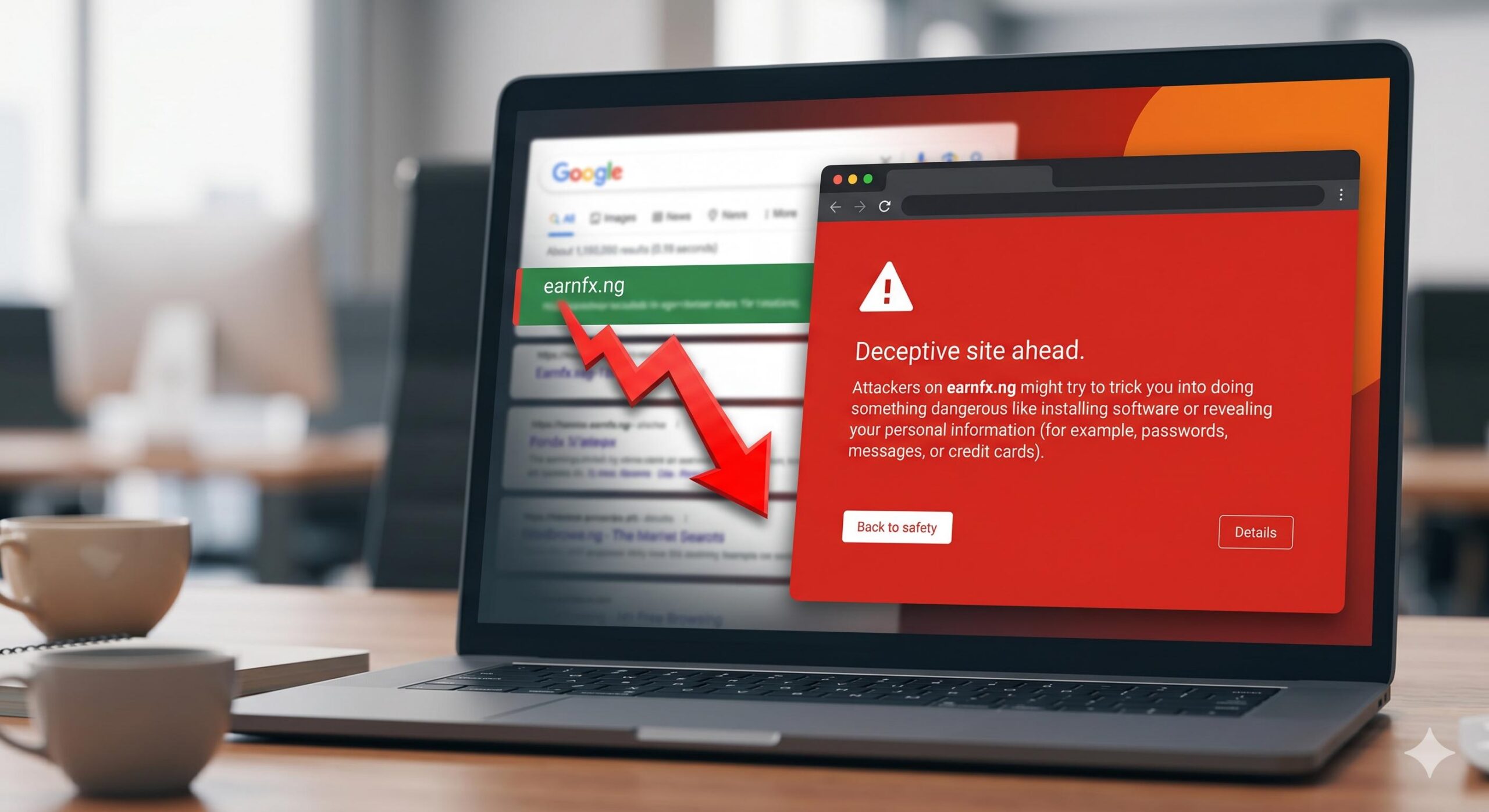
The risks include:
- Data Breaches: Loss of sensitive user data, including subscriber names and email addresses.
- SEO Penalties: If Google detects that your site is hosting malware, they will display a massive red warning screen to anyone trying to visit, and your search engine rankings will plummet overnight.
- Loss of Revenue: If your site is down, any legitimate Google AdSense revenue or affiliate income generated from your educational content stops immediately.
How WordPress Hardening Mirrors Forex Risk Management
As an educational platform focusing on the financial markets, it is easy to draw a direct comparison between website security and trading mechanics.
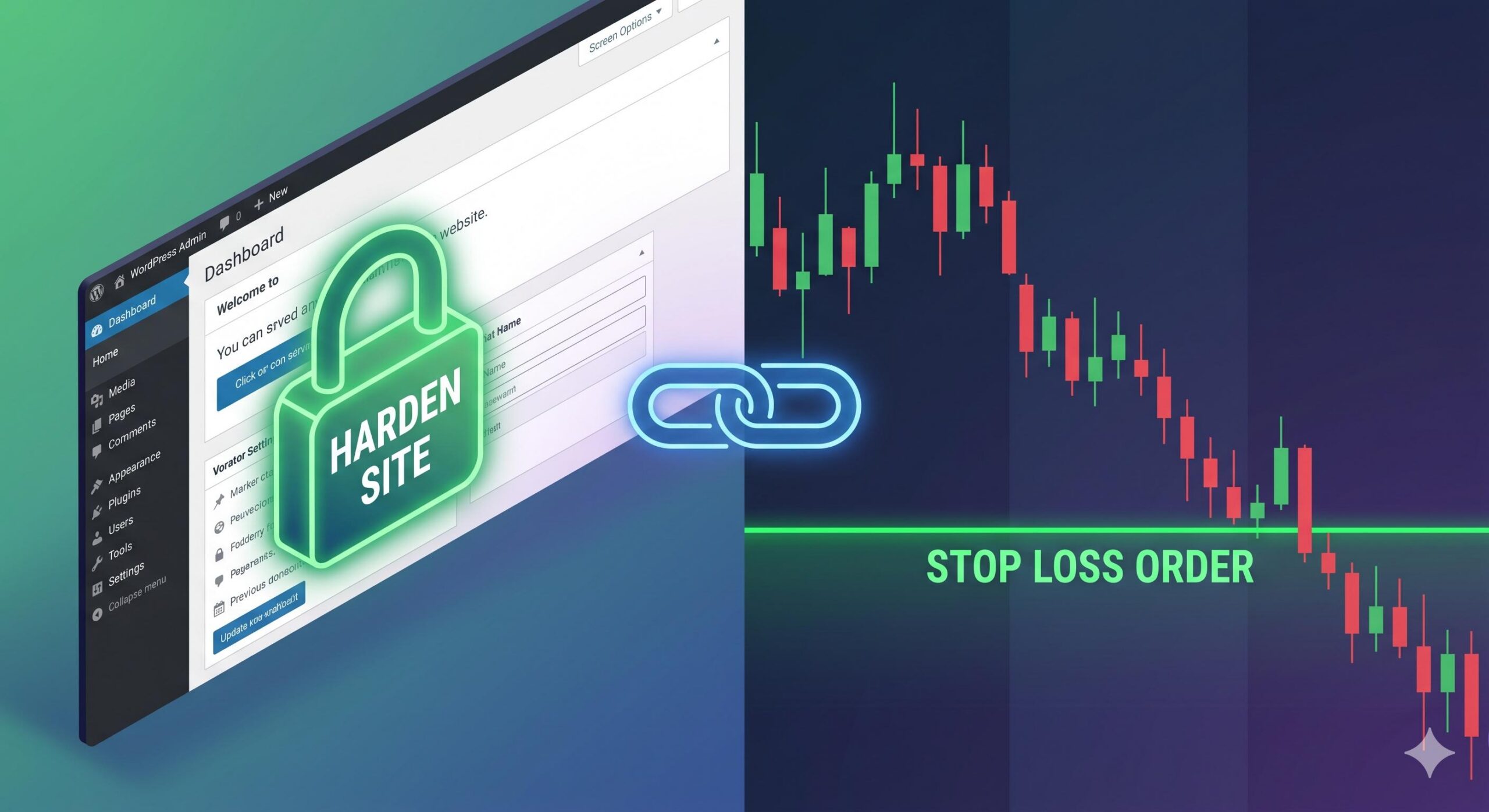
In forex trading, you are taught never to enter a trade without a Stop Loss. A Stop Loss is a protective measure designed to limit your exposure and protect your account capital from catastrophic market movements. You use proper position sizing and risk management because you know the market is unpredictable.
WordPress hardening is the Stop Loss for your website. You cannot predict when a hacker or a malicious bot will attempt to breach your server. However, by implementing strict passwords, firewalls, and limited login attempts, you are actively managing your digital risk. You are protecting your digital “capital”—your content, your audience, and your reputation.
Frequently Asked Questions (FAQs)
Is WordPress hardening difficult for a beginner with no coding experience? Not at all. While the term sounds highly technical, basic WordPress hardening simply involves using strong passwords, enabling Two-Factor Authentication (2FA), and installing a reputable security plugin (like Wordfence or Solid Security). You do not need to be a developer to protect your forex blog.
Are free security plugins enough for WordPress hardening? Yes, for most new educational bloggers, free security plugins offer an excellent foundation. They provide essential Web Application Firewalls (WAF) and block automated brute-force attacks. As your website traffic and subscriber list grow, you can explore premium upgrades for advanced malware scanning.
Will WordPress hardening slow down my trading website? When done correctly, no. In fact, a major part of WordPress hardening is blocking malicious bots from accessing your site in the first place. By stopping these bots at the “door” via a firewall, you actually save server resources, which keeps your site running fast and smooth for legitimate readers.
How often do I need to “harden” my website? WordPress hardening is not a one-time task; it is an ongoing habit. While you only set up your firewall, database prefix, and 2FA once, you must continuously update your themes, plugins, and core WordPress software every week to patch newly discovered vulnerabilities.
Conclusion
Understanding and applying WordPress hardening is an essential responsibility for anyone operating a website today. For forex educators and bloggers in Nigeria, protecting your platform ensures that you can continue to provide valuable, uninterrupted market education to your audience without the fear of sudden data loss or SEO penalties.
By securing your login pages, updating your software, implementing firewalls, and disabling vulnerable features, you create a robust digital fortress. Take the time to harden your WordPress site today, ensuring your educational business remains safe, secure, and ready to serve your readers for the long term.