
Introduction
Are you currently struggling with the “Simplicity Paradox” on your website? In the world of web development, simple wordpress themes refers to the specific pursuit of lightweight, minimal-code templates designed to prioritize speed and user experience over unnecessary features. Users encounter this issue when their current website becomes too bloated, slow, or difficult to manage, leading them to search for a streamlined alternative that doesn’t compromise on performance.
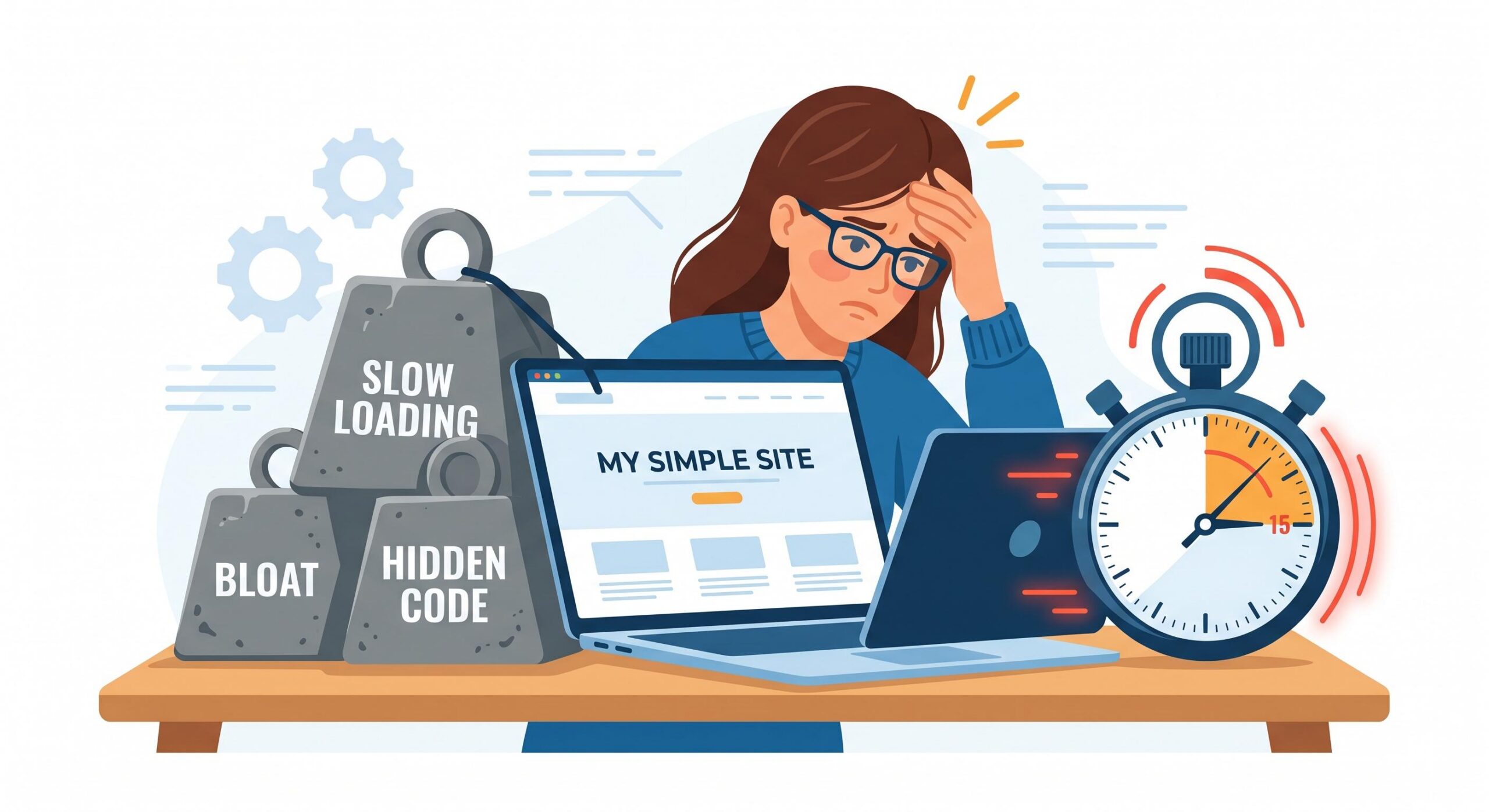
This “issue” appears because many themes marketed as “simple” are actually “false simplicity” templates—they look minimal on the outside but contain heavy backend code that triggers performance errors and slows down your server. Troubleshooting the transition to simple wordpress themes is essential for maintaining site health and high search engine rankings. This guide is for educational troubleshooting purposes to help you identify, verify, and implement a truly lightweight theme without breaking your site’s functionality.
Table of Contents
Identifying the “False Simplicity” Error
The most common problem users face is picking a theme that looks like one of the many simple wordpress themes available but performs like a multi-purpose giant. If you have switched to a minimal design and your “Time to First Byte” (TTFB) is still high, or your Core Web Vitals are failing, you haven’t actually resolved the core issue.
Symptoms of a Non-Simple Theme:

- Excessive HTTP Requests: Even with a minimal layout, the theme calls for dozens of JavaScript and CSS files.
- Built-in Page Builders: A truly simple theme should not force a heavy, proprietary builder like Elementor or WPBakery onto the user just to function.
- Hard-coded External Assets: Themes that aren’t truly simple often call for Google Fonts or FontAwesome icons from external servers rather than loading them locally or using system fonts.
If you encounter these symptoms, your search for simple wordpress themes has hit a technical roadblock. You are dealing with “code bloat” disguised as “minimalist design.”
Step 1: Auditing Your Current Theme for “Simplicity Failures”
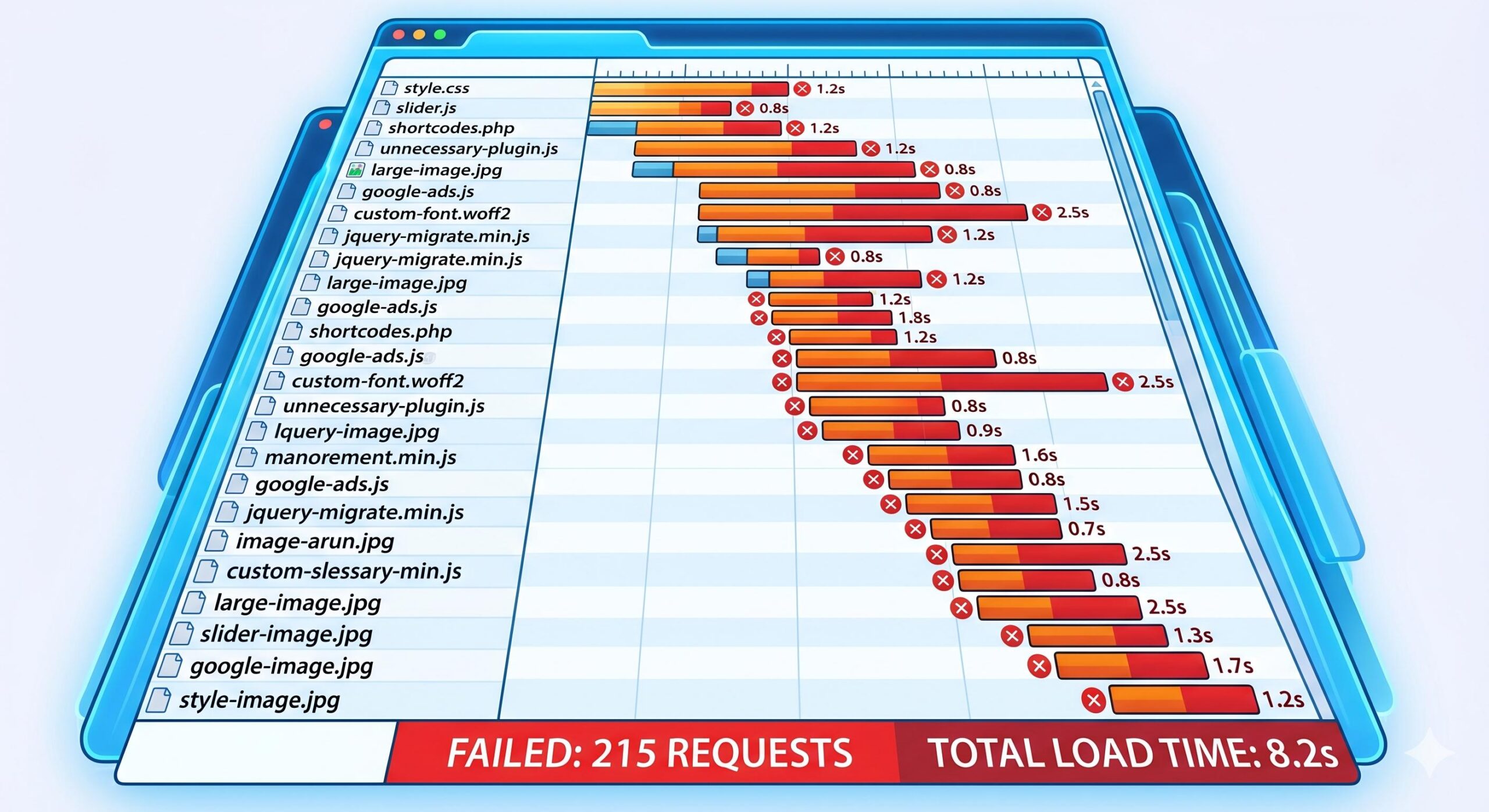
Before you can migrate to one of the better simple wordpress themes, you must troubleshoot your current setup to see why it isn’t performing as expected.
- Run a Waterfall Chart: Use a tool like GTmetrix. Look at the “Requests” column. If your “simple” theme is loading 5 different CSS files for “Shortcodes” or “Sliders” that you aren’t using, the theme is the problem.
- Check the File Size: Navigate to your site files via FTP or File Manager. If your theme folder is over 5MB, it likely doesn’t fall into the category of simple wordpress themes. Truly lightweight themes are often under 1MB in their base state.
- Search for “Required Plugins”: If the theme requires 10 different plugins just to display a basic home page, it is failing the simplicity test.
Step 2: Selecting and Verifying Truly Simple WordPress Themes
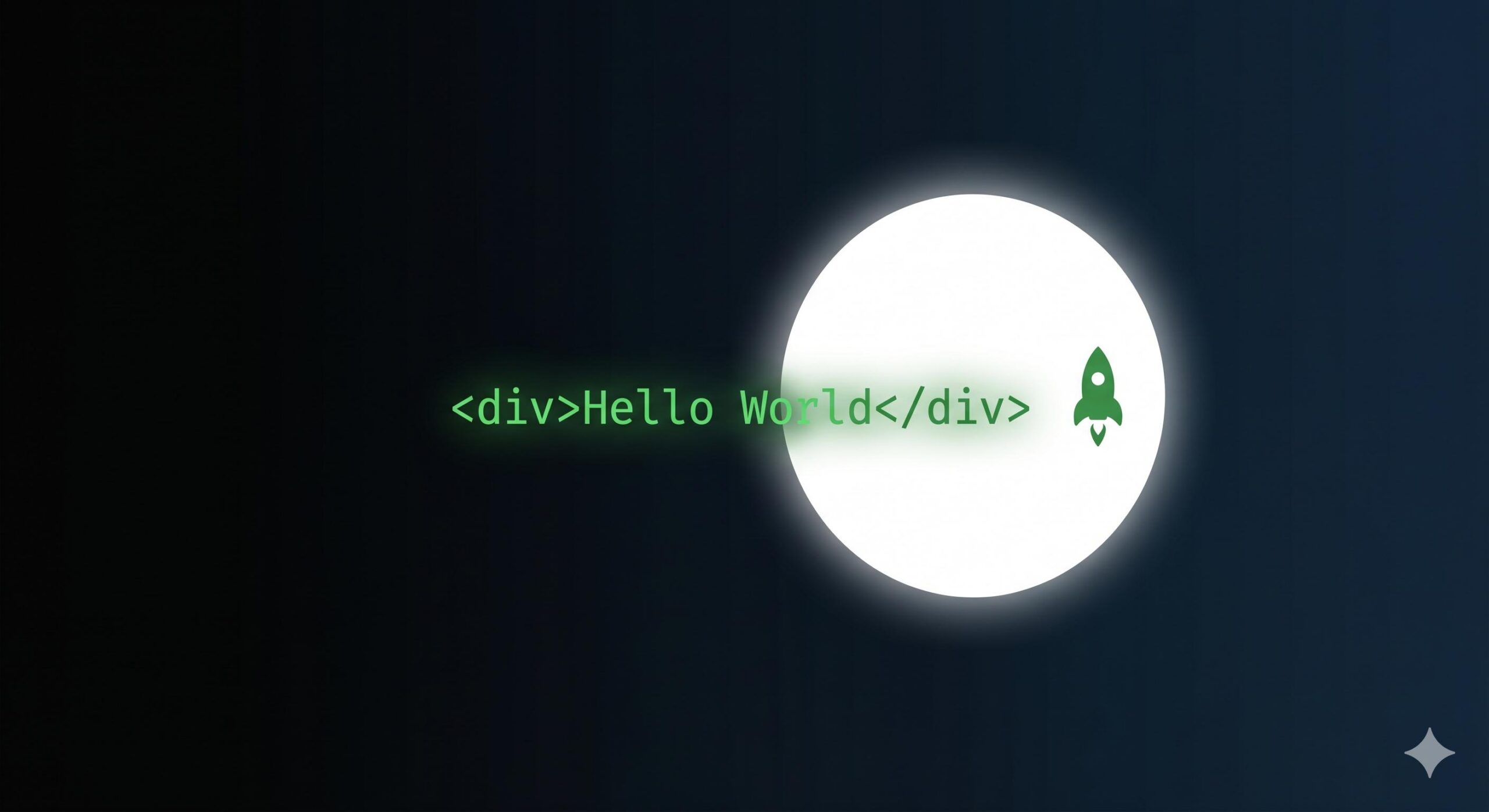
When troubleshooting this issue, your “fix” is finding a theme that adheres to the “Less is More” philosophy. To resolve the performance errors associated with bloated designs, you must verify potential simple wordpress themes using these technical criteria:
The “Vanishing” Test
A hallmark of high-quality simple wordpress themes is that they barely exist in the source code. View the source (Ctrl+U) of a theme’s demo site. If you see hundreds of lines of inline CSS or massive blocks of render-blocking JavaScript before the actual content, that theme will not solve your performance issues.
The “No-Dependency” Fix
To ensure you are using simple wordpress themes correctly, look for those that do not rely on jQuery. Modern WordPress development allows for “Vanilla JS,” which is significantly faster. By removing the jQuery dependency, you solve one of the biggest “Simplicity Errors” in modern web design.
Step 3: Resolving Conflicts During the Transition
Transitioning to simple wordpress themes often causes a new set of problems: “Missing Functionality Errors.” Because these themes strip away the “bloat,” you might find that your favorite widgets or shortcodes have disappeared.
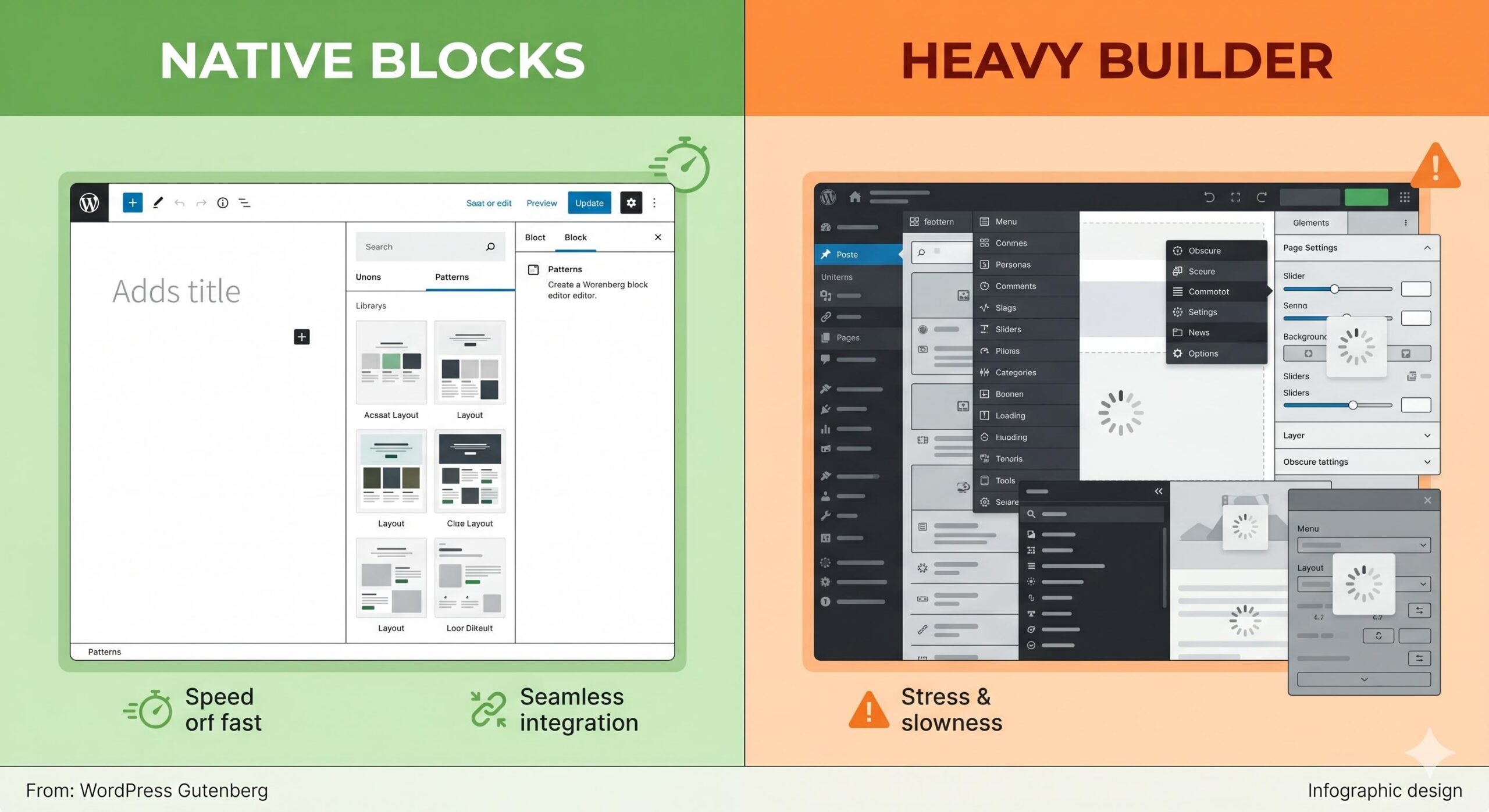
How to Fix Missing Features:
- Use Block Patterns: Instead of a heavy slider plugin, use the native WordPress Gutenberg blocks. Simple wordpress themes are designed to work with the native editor, not against it.
- Add Functionality via Snippets: Instead of a plugin for a single feature like “Breadcrumbs,” use a small PHP snippet in a site-specific plugin. This keeps the “simple” in your simple wordpress themes intact.
- CSS for Design, Not Builders: Use small amounts of custom CSS to achieve the look you want, rather than installing a heavy design plugin.
How to Fix Website Errors When Installing Top WordPress Themes
Frequently Asked Questions (FAQs)
Why are my “simple wordpress themes” still loading slowly?
This is usually caused by “Plugin Overlap.” Even the best simple wordpress themes cannot fix a site that is running 40 active plugins. Check for heavy plugins or excessive external tracking scripts (like Heatmaps or multiple Analytics tags) that may be overriding the theme’s built-in speed.
Can simple wordpress themes handle a large amount of content?
Yes. In fact, large sites benefit the most from simple wordpress themes. If you have 1,000 blog posts, a bloated theme will multiply your server load. A simple theme ensures that your server only processes the content, not a heavy design framework, keeping the site stable as it grows.
Do I lose SEO benefits by using a simple theme?
On the contrary, simple wordpress themes often provide superior SEO. Search engines like Google prioritize page speed and clear HTML structure. By removing the “code clutter,” you make it much easier for search engine bots to crawl and index your content correctly.
Are simple wordpress themes mobile-friendly?
By design, yes. Because they use less code and fewer complex layout scripts, they are naturally more responsive. They don’t have to “fight” to rearrange heavy elements on a mobile screen, resulting in a smoother experience for users on smartphones and tablets.
Conclusion
Resolving the search for simple wordpress themes isn’t just about how your site looks—it’s about how it functions at a code level. By troubleshooting the difference between “minimalist aesthetics” and “minimalist code,” you can fix persistent performance errors and provide a better experience for your visitors.
Remember that a truly simple theme is a foundation, not a limitation. It provides a clean, fast environment where your content can shine without being buried under layers of unnecessary data. Stick to the principles of lightweight design, avoid dependency bloat, and your WordPress site will remain fast, secure, and easy to maintain for the long term.