
Introduction
Discovering unauthorized links promoting best wordpress themes mysteriously appearing on your website is a stressful experience for any site owner. If you are seeing this phrase injected into your site’s footer, hidden in your sidebar widgets, or flagged as suspicious outbound links by Google Search Console, your site has fallen victim to a targeted SEO spam injection.
Users typically encounter the best wordpress themes text when malicious bots, a compromised server environment, or a nulled (pirated) plugin forcefully inserts backdoor code into the site architecture. The attackers do this to artificially create free backlinks to third-party vendors, using your website’s authority to boost their own search engine rankings.
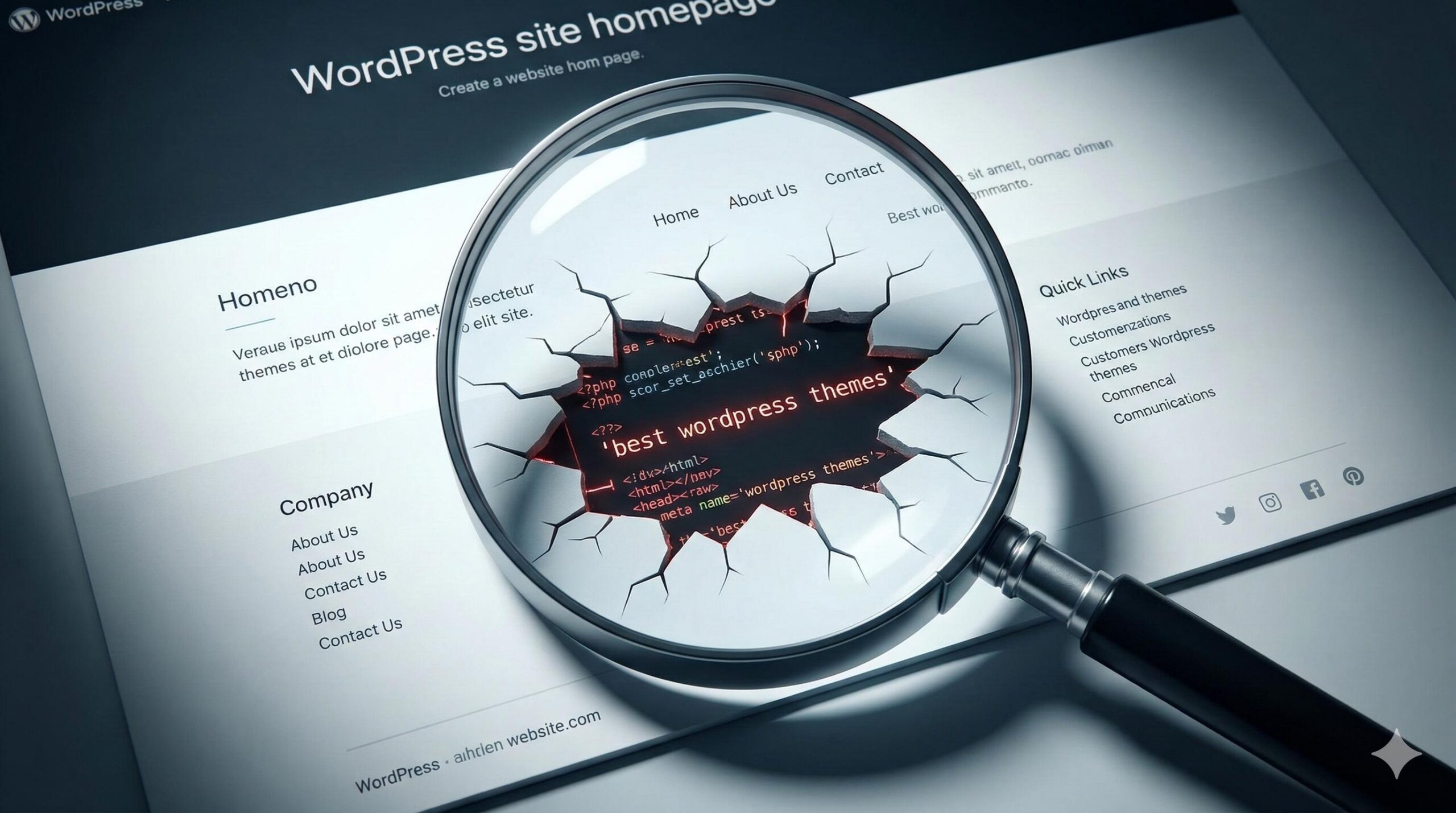
This guide is for educational troubleshooting purposes. We will help you understand exactly how this injection works, locate the malicious hidden files, and permanently remove the best wordpress themes spam from your WordPress installation so you can protect your SEO and restore your site’s reputation.
Table of Contents
What Does the “Best WordPress Themes” Injection Look Like?
SEO spam is designed to be sneaky. The attackers want their links to remain on your site as long as possible without you noticing. The best wordpress themes injection usually manifests in one of three ways:
- Visible Footer Links: You might see a cluster of links at the very bottom of your pages reading “Sponsored by best wordpress themes” or “Download the best wordpress themes.”
- Hidden CSS Injections: The text is on your page, but the attackers have used CSS code (like
display: none;or matching the text color to your background) so humans cannot see it, but Google’s crawlers still read the best wordpress themes anchor text.
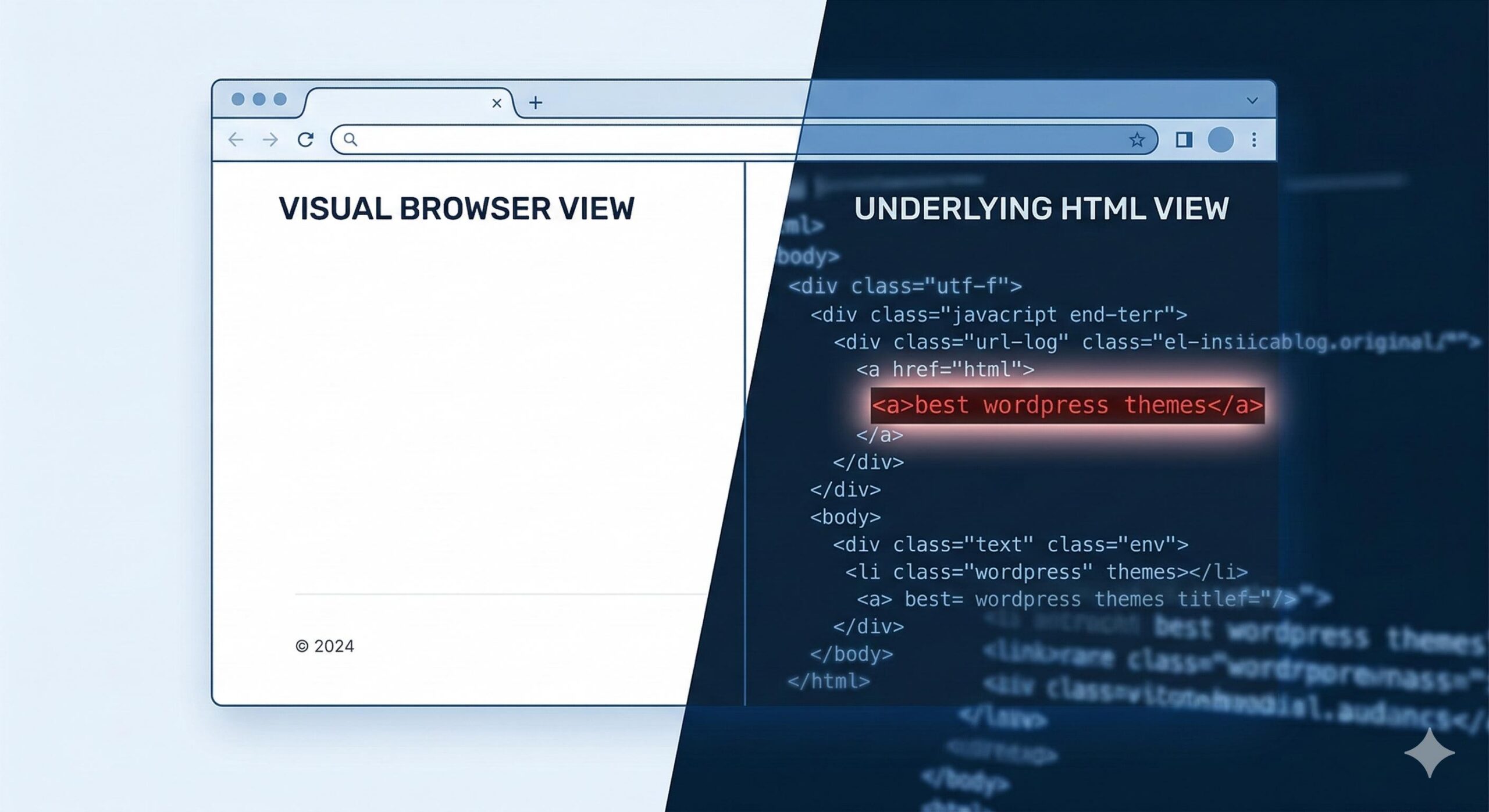
- Widget Takeovers: A new, unrecognized text widget or custom HTML block appears in your sidebar containing the spam phrases.
Why Is the “Best WordPress Themes” Spam Appearing on Your Site?
Understanding how the attackers gained entry is crucial to ensuring the best wordpress themes spam does not return after you clean it. The most common entry points include:
- Nulled Plugins or Themes: Downloading premium software from unofficial, free sources is the number one cause of SEO spam. These files are intentionally bundled with the malicious code that triggers the best wordpress themes injection.
- Outdated WordPress Core or Plugins: Hackers use automated bots to scan for sites running old versions of software with known security holes. Once inside, they alter your files to display the best wordpress themes links.
- Compromised Administrator Accounts: If your admin password is weak or compromised, an automated script can log in and directly add the spam text to your site settings.
Step-by-Step: Removing the “Best WordPress Themes” Spam
Do not panic. While seeing unauthorized links on your site is alarming, the removal process is straightforward if you know where to look.
Step 1: Inspect Your Widgets and Menus
Often, the easiest place attackers hide the best wordpress themes text is right in your WordPress dashboard tools.
- Navigate to Appearance > Widgets in your WordPress dashboard.
- Carefully open every active widget area (Sidebar, Footer 1, Footer 2, etc.).
- Look for any Custom HTML, Text, or Code widgets that you did not create. If you see the best wordpress themes string inside one, delete the widget immediately.
- Next, go to Appearance > Menus and ensure no unauthorized hidden links have been added to your site’s navigation.
Step 2: Clean the Footer.php and Functions.php Files
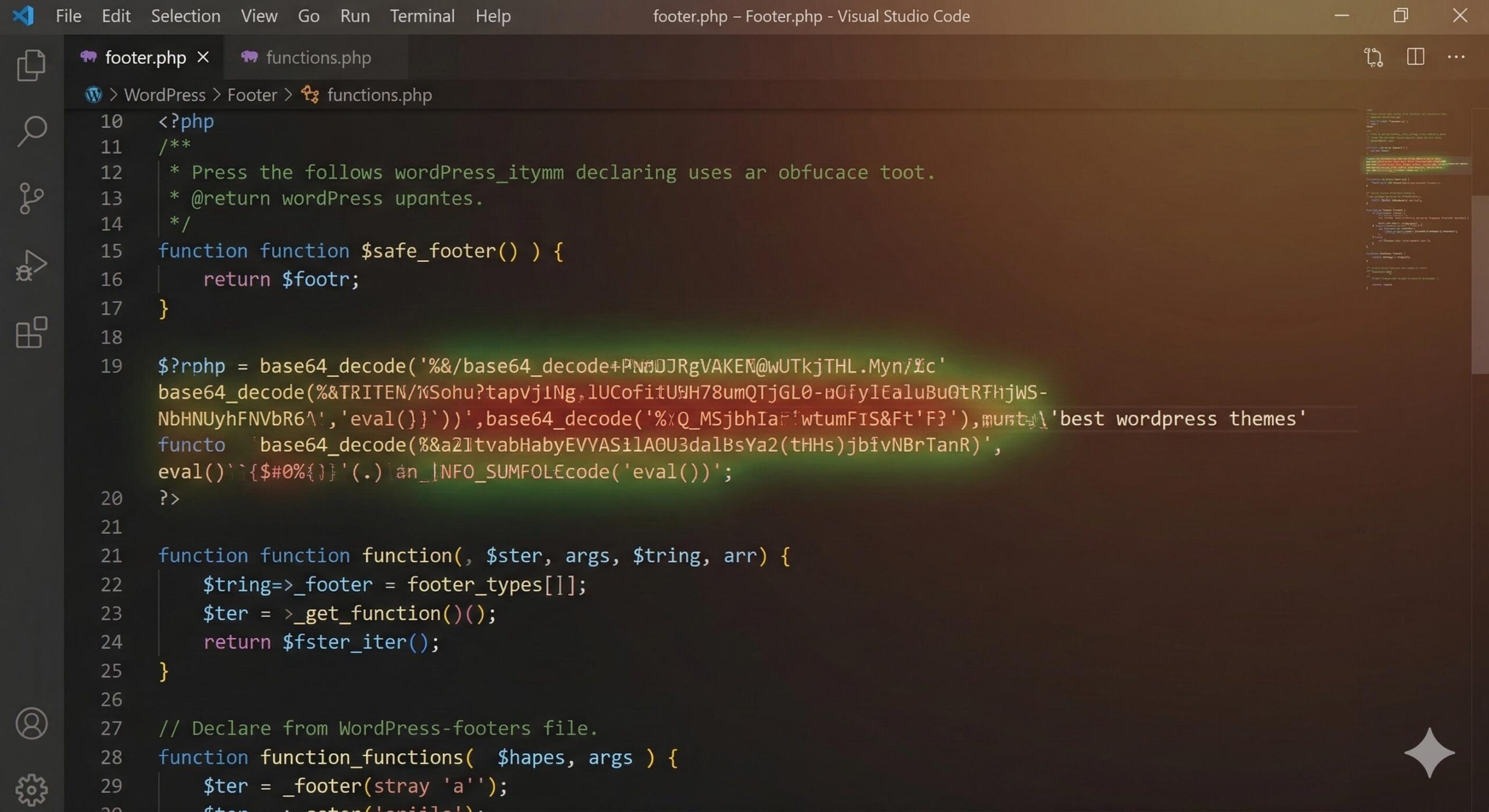
If the spam is hardcoded into your site, it is likely hiding in your active theme’s core files. The footer.php and functions.php files are the most common targets for the best wordpress themes malware.
- Go to Appearance > Theme File Editor (or access your files via cPanel/FTP).
- Open your
footer.phpfile. Scroll to the very bottom, usually right above the</body>or</html>tags. Look for suspicious, heavily obfuscated code (long strings of random letters and numbers) or plain HTML links pointing to the best wordpress themes keyword. Carefully delete only the malicious lines. - Open your
functions.phpfile. Look for unusual functions at the very top or bottom of the file that contain terms likebase64_decode,eval(), orwp_footer. Attackers often use these to forcefully inject the best wordpress themes text across all your pages.
Step 3: Search the Database for Hidden Spam
Sometimes, the best wordpress themes injection lives inside your database rather than your files. This is common when the spam affects specific blog posts rather than the entire site layout.
- Access your database using phpMyAdmin (usually found in your hosting control panel).
- Select your WordPress database.
- Click on the Search tab at the top.
- Type best wordpress themes into the search bar.
- Select all tables (specifically
wp_postsandwp_options) and click Go. - If the search returns results, you will need to manually edit those specific database rows to erase the injected spam text.
Step 4: Run a Dedicated Security Scan
If you have manually removed the visible best wordpress themes links but they keep coming back after a few days, a backdoor script is still hiding on your server.
Install a reputable security scanner like Wordfence or Sucuri. Run a “High Sensitivity” scan. These tools will compare your current WordPress files against the official, clean versions in the WordPress repository and highlight exactly which file is regenerating the best wordpress themes spam.
Post-Cleanup: Hardening Your Site
Once you have successfully eradicated the best wordpress themes issue, you must lock the doors so the attackers cannot return.
- Delete Unused Themes and Plugins: Every inactive plugin is a potential vulnerability. If you aren’t using it, delete it.
- Update Everything: Ensure your WordPress core, active theme, and all plugins are updated to their latest versions.
- Enable WordPress Debugging: If your site acts strangely after cleanup, temporarily activate
WP_DEBUGin yourwp-config.phpfile to catch any residual PHP errors caused by the removal of the malware. - Change All Passwords: Force a password reset for all Administrator accounts, your hosting control panel, and your database user.
How to Fix “Best WordPress Templates” Installation and Missing style.css Errors
FAQ: Frequently Asked Questions
Why did Google flag my site after the “best wordpress themes” injection?
Google actively penalizes sites that participate in hidden link schemes. The best wordpress themes injection forces your site to act as a spam hub. Once you remove the links, you must submit your site for a security review in Google Search Console to clear the penalty.
Can a caching plugin cause the “best wordpress themes” text to stay on my site?
Yes. If you have successfully cleaned your database and theme files, but still see the best wordpress themes spam on the live front-end, clear your site cache (and server cache, if applicable). You are likely looking at a saved, infected version of the page.
Will reinstalling WordPress fix the “best wordpress themes” error?
Reinstalling core WordPress files (via the Dashboard > Updates > Reinstall version button) is a great way to overwrite infected core files. However, it will not clean your wp-content folder (where your theme lives) or your database, which are the most common hiding spots for the best wordpress themes injection.
Conclusion
Exploring P2P lending for low CIBIL can help you survive an urgent cash crunch when traditional banking doors are closed. However, taking a high-interest loan should never become a regular habit. The ultimate goal of borrowing from these platforms should be to clear your immediate emergency and simultaneously rebuild your damaged credit score by paying every EMI perfectly on time.
True financial peace of mind does not come from finding new ways to borrow money; it comes from disciplined saving and absolute financial awareness. By strictly verifying RBI registration to avoid scam apps, protecting your digital privacy, and aggressively building an emergency fund (bachat), you can break free from the debt cycle. Use these digital tools carefully as a temporary bridge, but rely on smart budgeting to build a permanently secure financial future for your family.