How to Find and Read the WordPress Email Error Log (Beginner’s Guide)
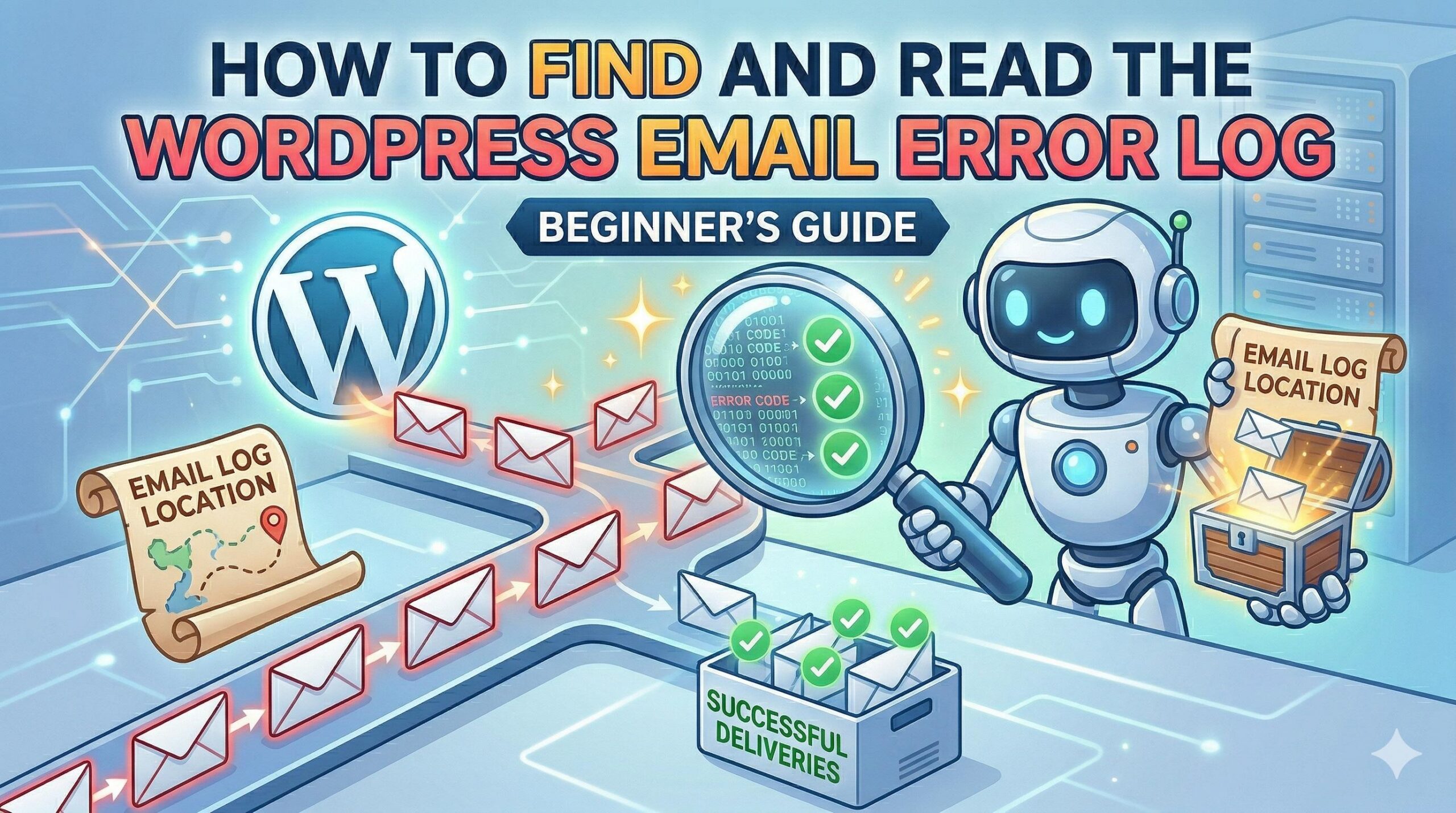
How to Find and Read the WordPress Email Error Log (Beginner's Guide)

Introduction Are your contact forms, password resets, or store receipts failing to send? You likely need to check your wordpress email error log. A wordpress email error log is a specific diagnostic record capturing the exact technical reasons why your website fails to deliver outbound messages. Site administrators typically encounter this log inside a dedicated … Read more
How to Find the Exact WordPress Error Log Location for Troubleshooting

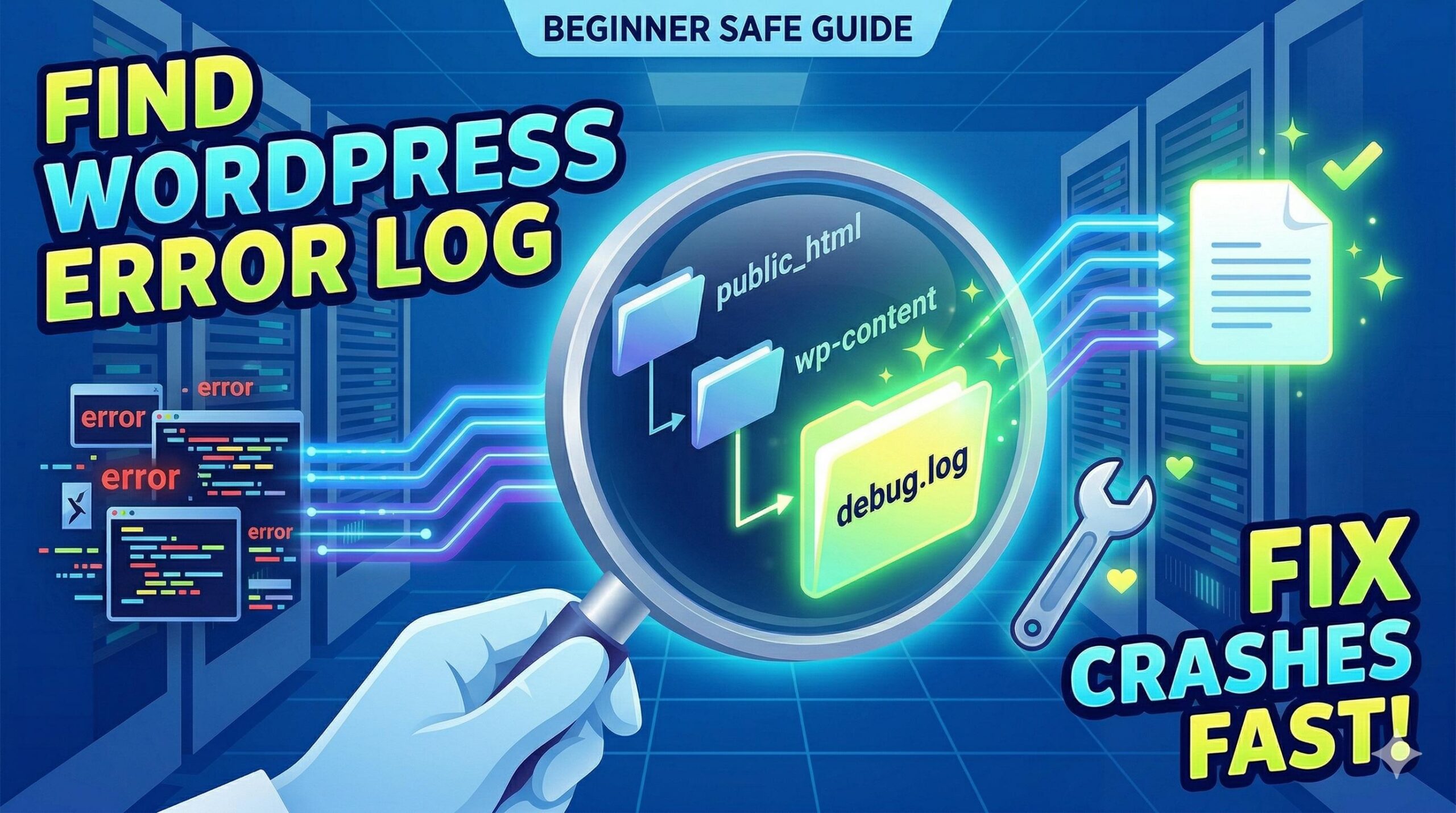
How to Find the Exact WordPress Error Log Location for Troubleshooting

Introduction Are you staring at a broken website, and a support tutorial told you to check your wordpress error log location? You are in the right place. The wordpress error log location is the specific file path on your web server where your site records behind-the-scenes PHP errors, plugin conflicts, and database warnings. You usually … Read more

How to Fix the Buddy Boss Theme Activation Crash and White Screen

How to Fix the Buddy Boss Theme Activation Crash and White Screen

Introduction Welcome to WordPressIssueFix.com. If your website crashed immediately after installing a new community template, you are experiencing the infamous buddy boss theme white screen error. What exactly does this mean? It is a fatal server timeout or memory exhaustion issue. You typically encounter this error directly in your WordPress admin dashboard right after clicking … Read more

How to Optimise WordPress Website Performance: A Beginner’s Troubleshooting Guide

How to Optimise WordPress Website Performance_ A Beginner’s Troubleshooting Guide

Introduction Are you seeing warnings from Google PageSpeed Insights or your hosting dashboard telling you to optimise wordpress website performance? You are in the right place. To optimise a WordPress website means to fix the underlying technical bottlenecks that cause your web pages to load slowly. Site administrators usually encounter this specific recommendation when their … Read more

How to Use a Malware Site Checker to Save Your WordPress Site

How to Use a Malware Site Checker to Save Your WordPress Site

Introduction Welcome to WordPressIssueFix.com. If your website is suddenly acting strangely, loading incredibly slowly, or displaying a frightening red Google security warning, you are likely looking for a reliable malware site checker. But what exactly does this keyword mean? A malware site checker is a specialized diagnostic tool that scans your website’s files, database, and … Read more

How to Resolve a “Malware Detection Website” Warning on Your WordPress Site

How to Resolve a _Malware Detection Website_ Warning on Your WordPress Site

Introduction Seeing your WordPress site suddenly blocked by a malware detection website is a stressful experience for any website owner. But what exactly does this mean? It means a security authority (like Google Safe Browsing, Sucuri, or Norton) has scanned your domain and placed it on a protective blacklist. You typically encounter this terrifying red … Read more

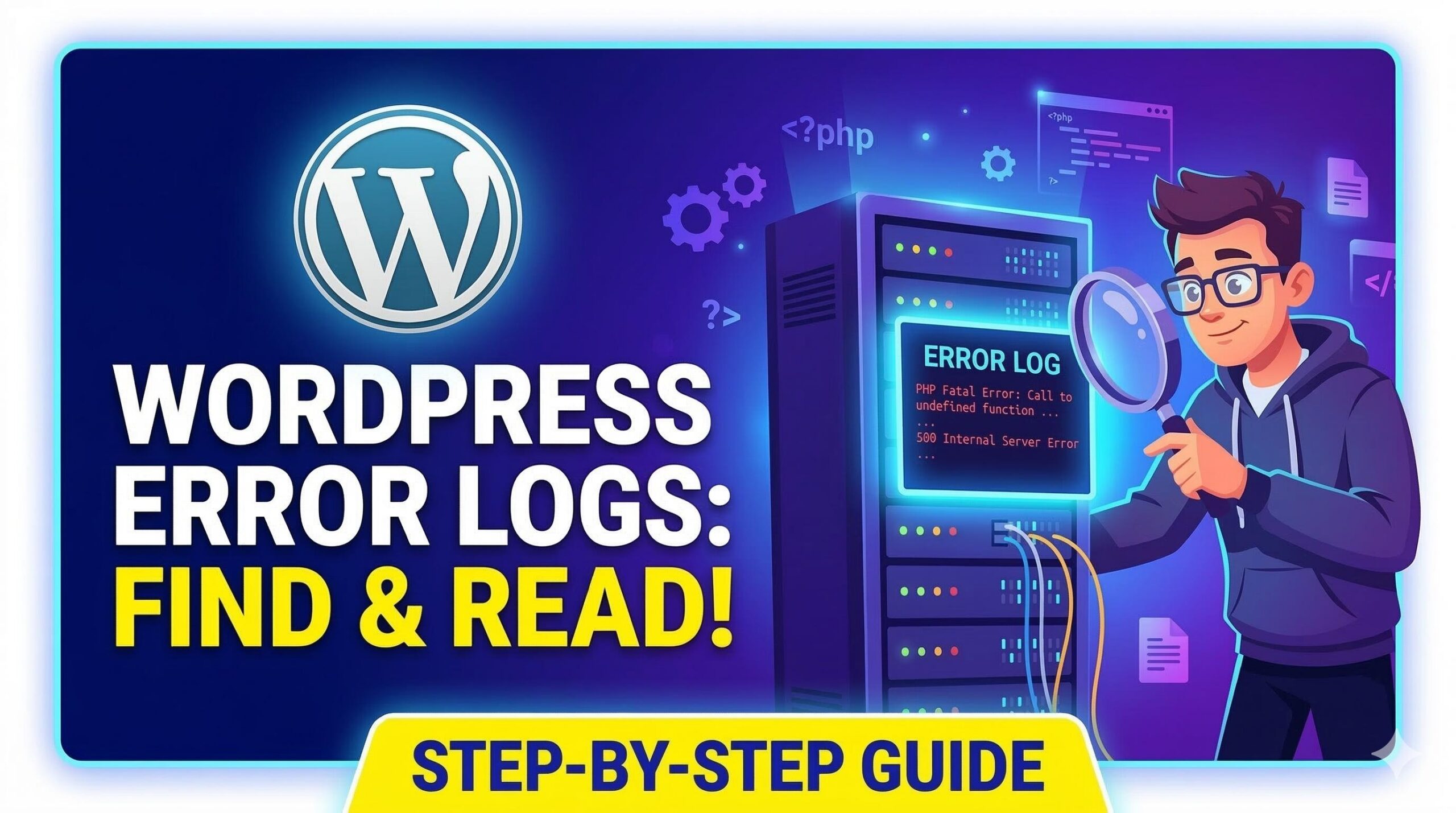
How to Find and Read the Server Error Log in WordPress

How to Find and Read the Server Error Log in WordPress

Introduction If your website suddenly displays a blank white screen or a critical error message, your first step should be to check the server error log WordPress generates. What does this term mean? It is a hidden, automatically generated text file that records every failure, PHP warning, and fatal error happening behind the scenes. Users … Read more

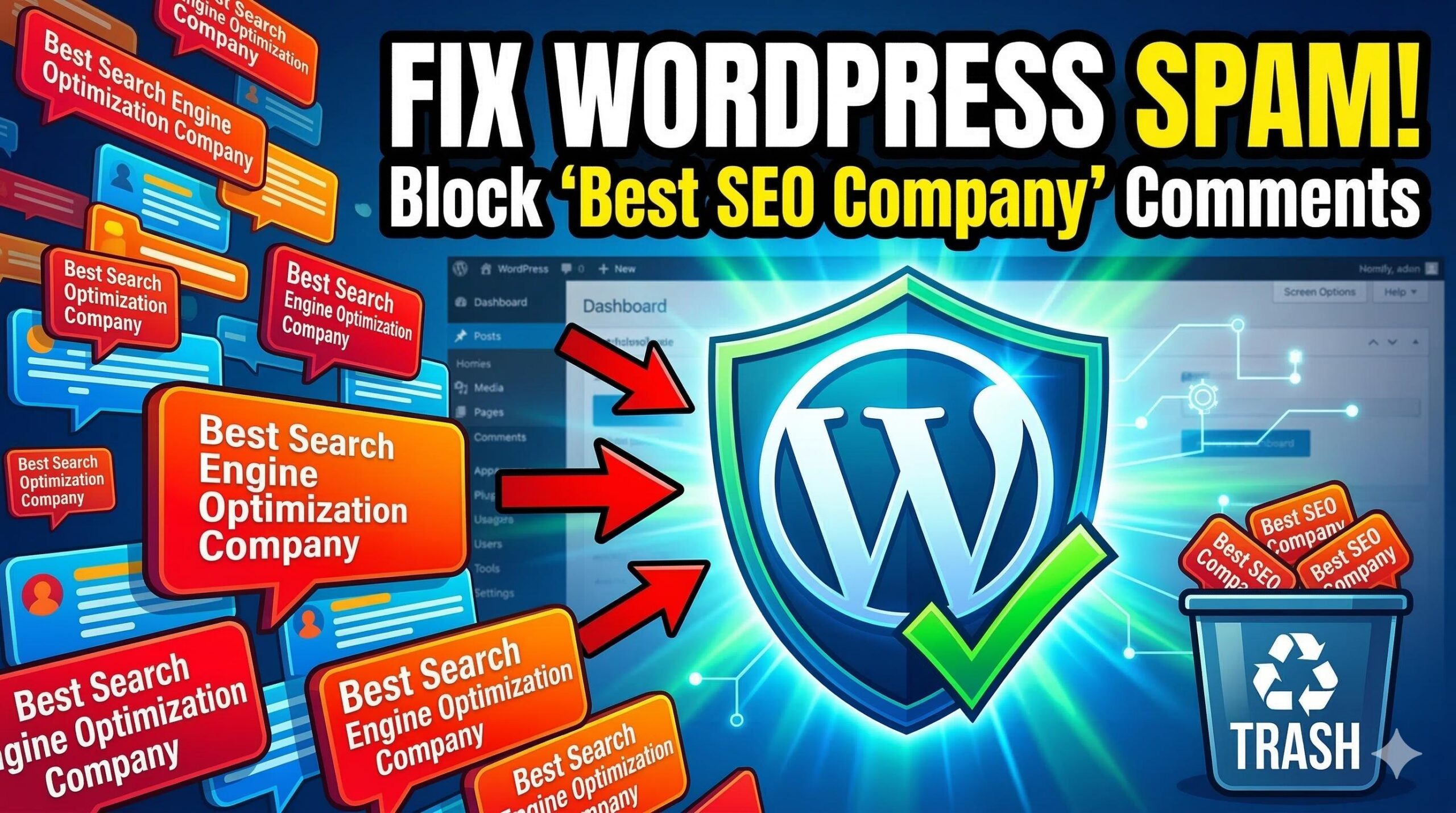
How to Fix the “Best Search Engine Optimization Company” Spam in WordPress

How to Fix the _Best Search Engine Optimization Company_ Spam in WordPress

Introduction If you have suddenly noticed the phrase “best search engine optimization company” appearing in your WordPress comments, contact form notifications, or search logs, you aren’t alone. This is a targeted form of “anchor text spam.” Users encounter this keyword when automated bot scripts find your website and attempt to leave backlinks in an effort … Read more

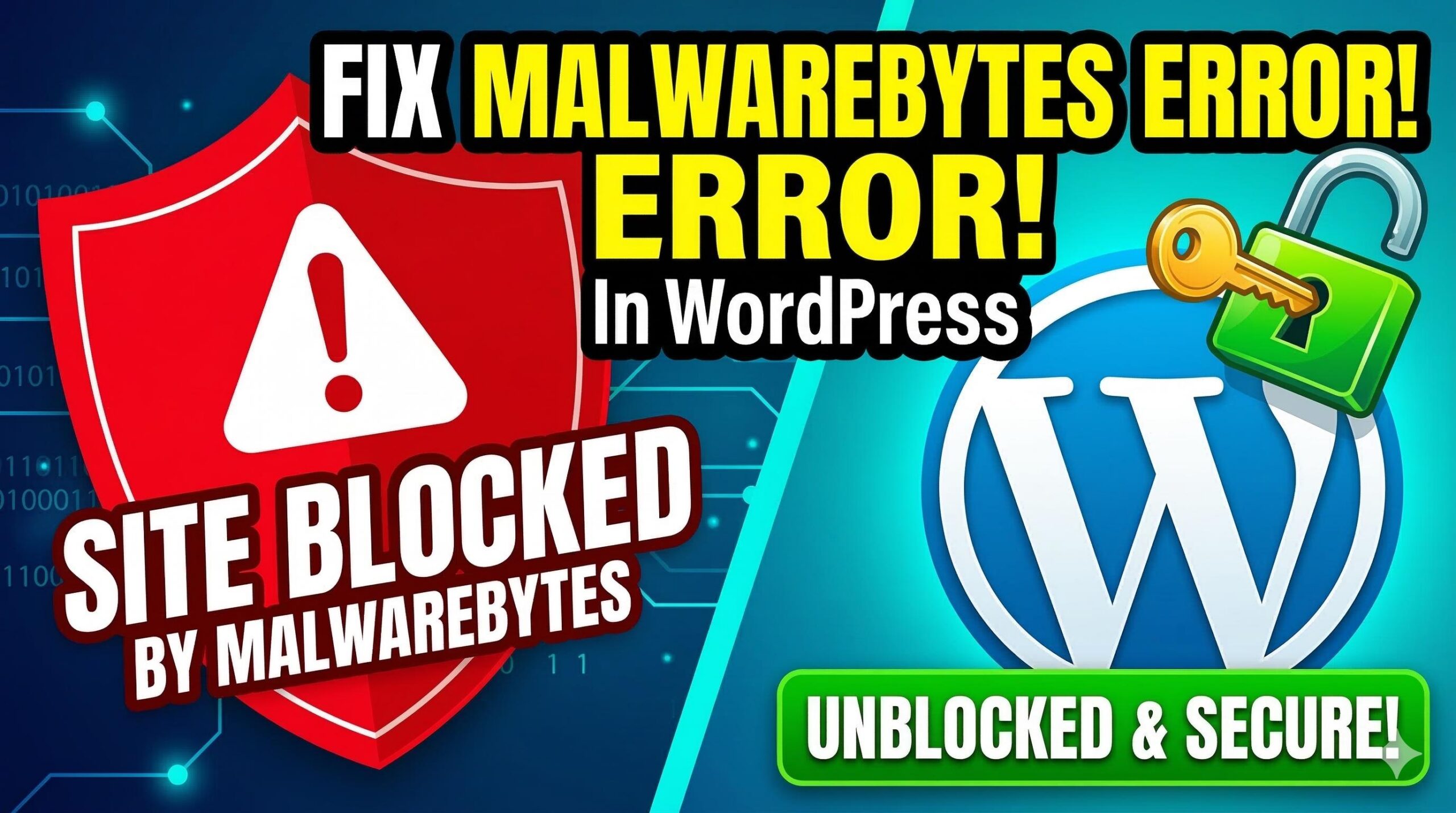
How to Fix the Blocked “Malware Bytes Website” Error in WordPress

How to Fix the Blocked _Malware Bytes Website_ Error in WordPress

Introduction Finding out that your domain has been flagged as a malware bytes website is a stressful experience for any site owner. This specific security warning occurs when the Malwarebytes security engine—whether through their desktop software or browser extension—detects suspicious activity, malicious scripts, or “riskware” hosted on your server. When this happens, a full-page block … Read more

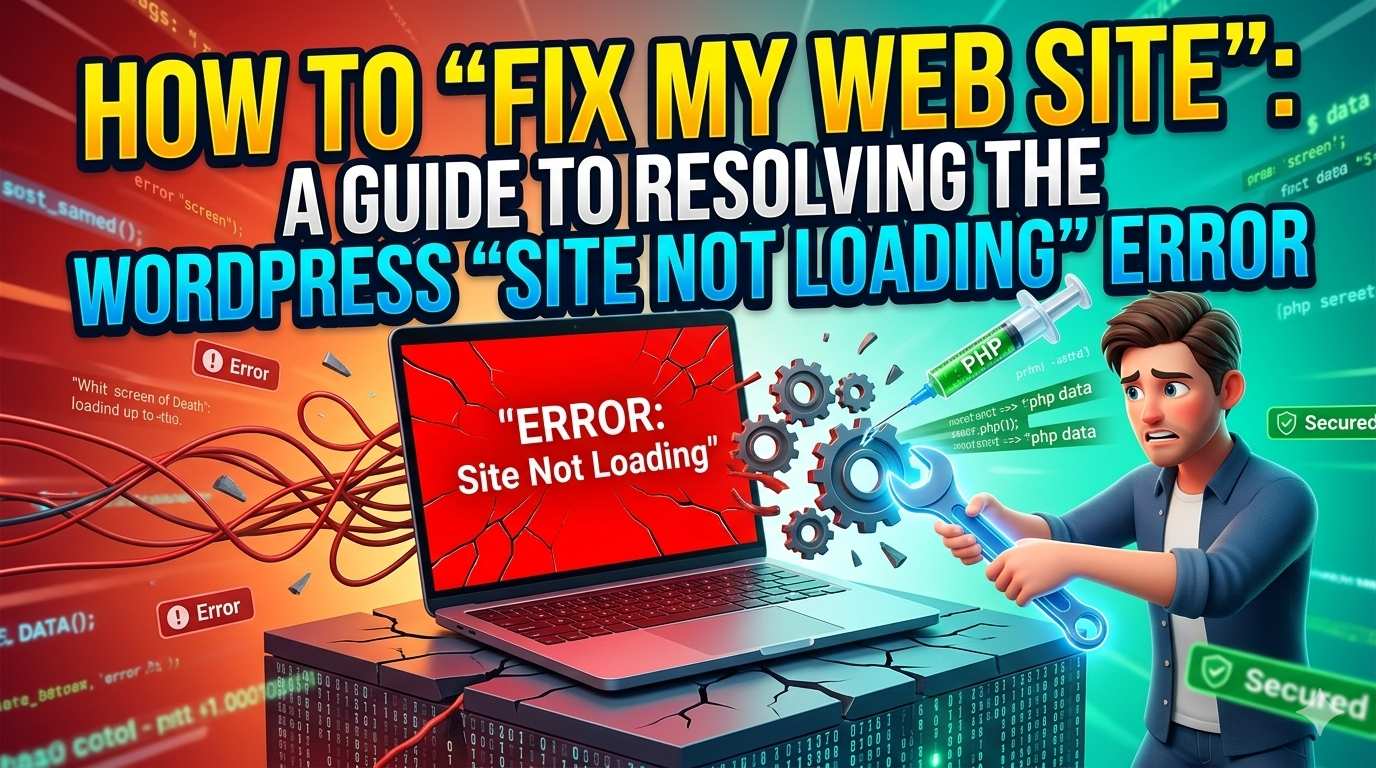
How to “Fix My Web Site”: A Guide to Resolving the WordPress “Site Not Loading” Error

How to _Fix My Web Site__ A Guide to Resolving the WordPress _Site Not Loading_ Error

Introduction Nothing stops your momentum faster than a website that won’t load. When you search for a way to fix my web site, you are likely staring at a blank screen, a “White Screen of Death,” or a frustrating error message that has locked you out of your own dashboard. This usually happens when a … Read more